3-10 Setting the Time and Date Rev AA
Videojet DataFlex 6420 Operator Manual
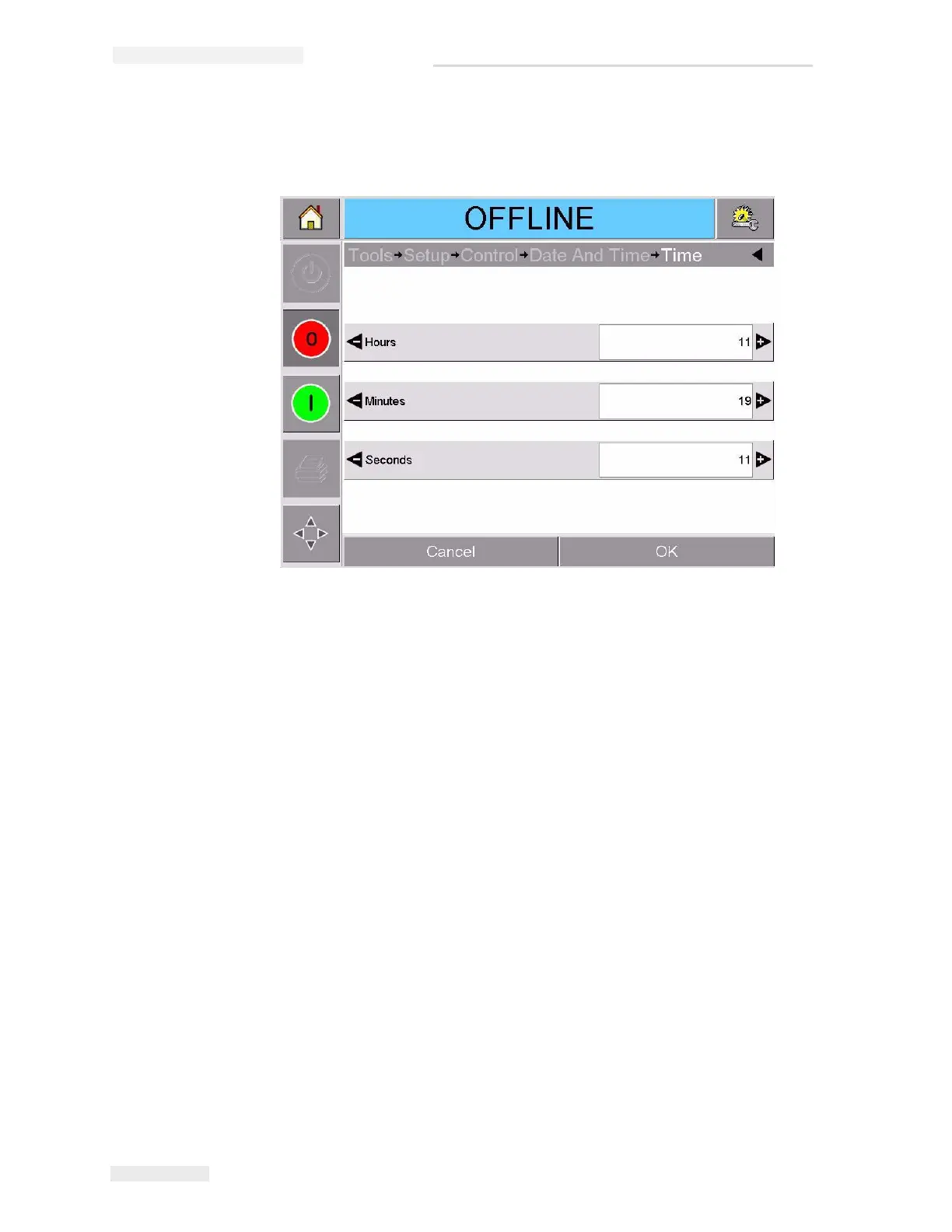
9 Touch Time to set the time. The time set page appears, as shown in
Figure 3-10.
10 Use the + and – keys to give a value for each of the settings [Hours,
Minutes and (optionally) Seconds].
11 Touch OK to save the settings.
12 Touch the Home button to return to the home page.
Figure 3-10: CLARiTY
®
System Time Setup



 To Next Page