Rev AA Setting the Time and Date 3-9
Videojet DataFlex 6420 Operator Manual
Setting the Time and Date
To set the time and date in the CLARiTY
®
system, proceed as follows:
1 Touch the Tools button on the home page.
2 Touch the Setup button on the tools page.
3 Touch the Control button.
4 Touch and select Date and Time from the list.
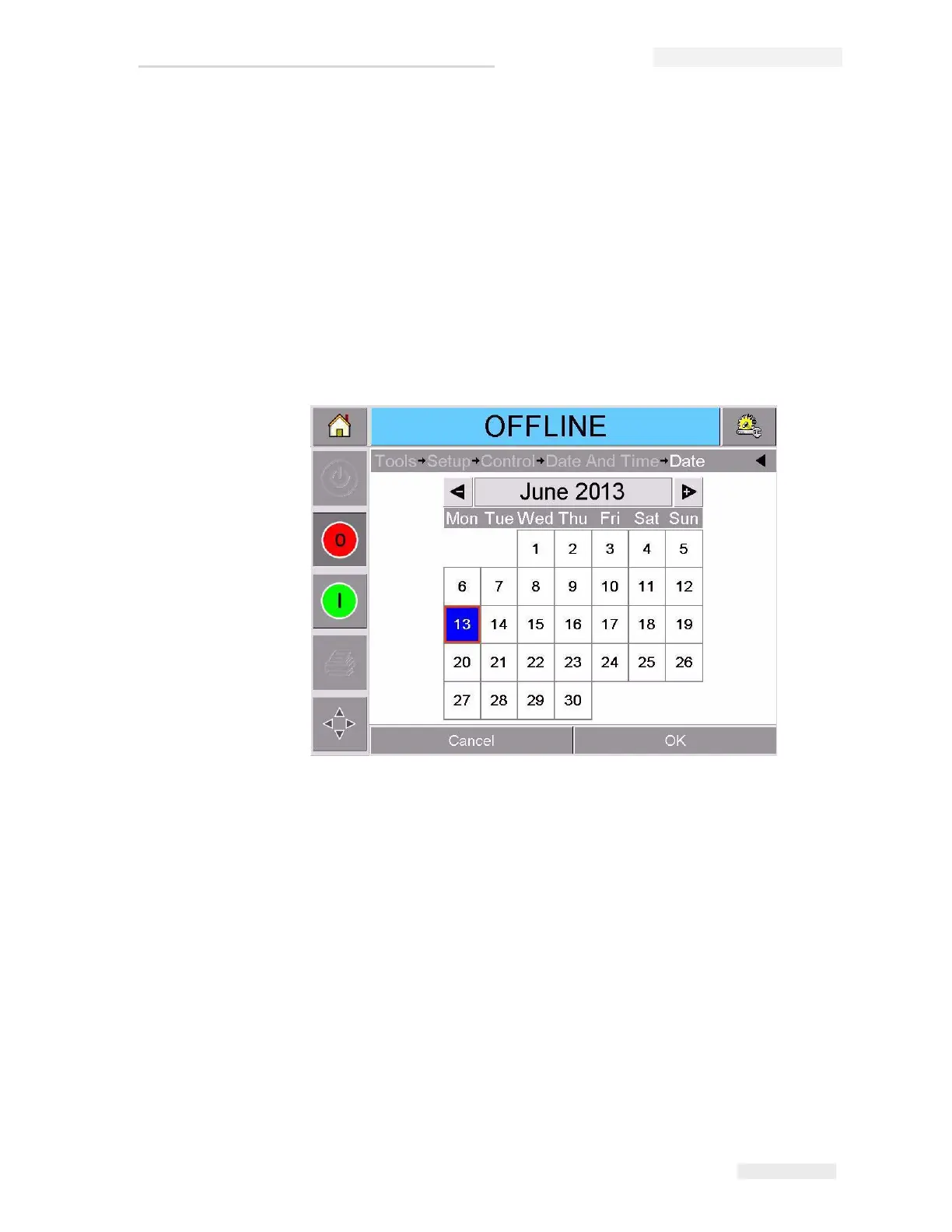
5 Touch Date to set the Date, and the calendar page will appear, as
shown in Figure 3-9.
6 Select the current month and year using the + and – keys.
7 Touch today's date to select it.
8 Touch OK to save the settings.
Figure 3-9: System Date Setup



 To Next Page