4-18 Changing the Position or Appearance of the Print Rev AA
Videojet DataFlex 6420 Operator Manual
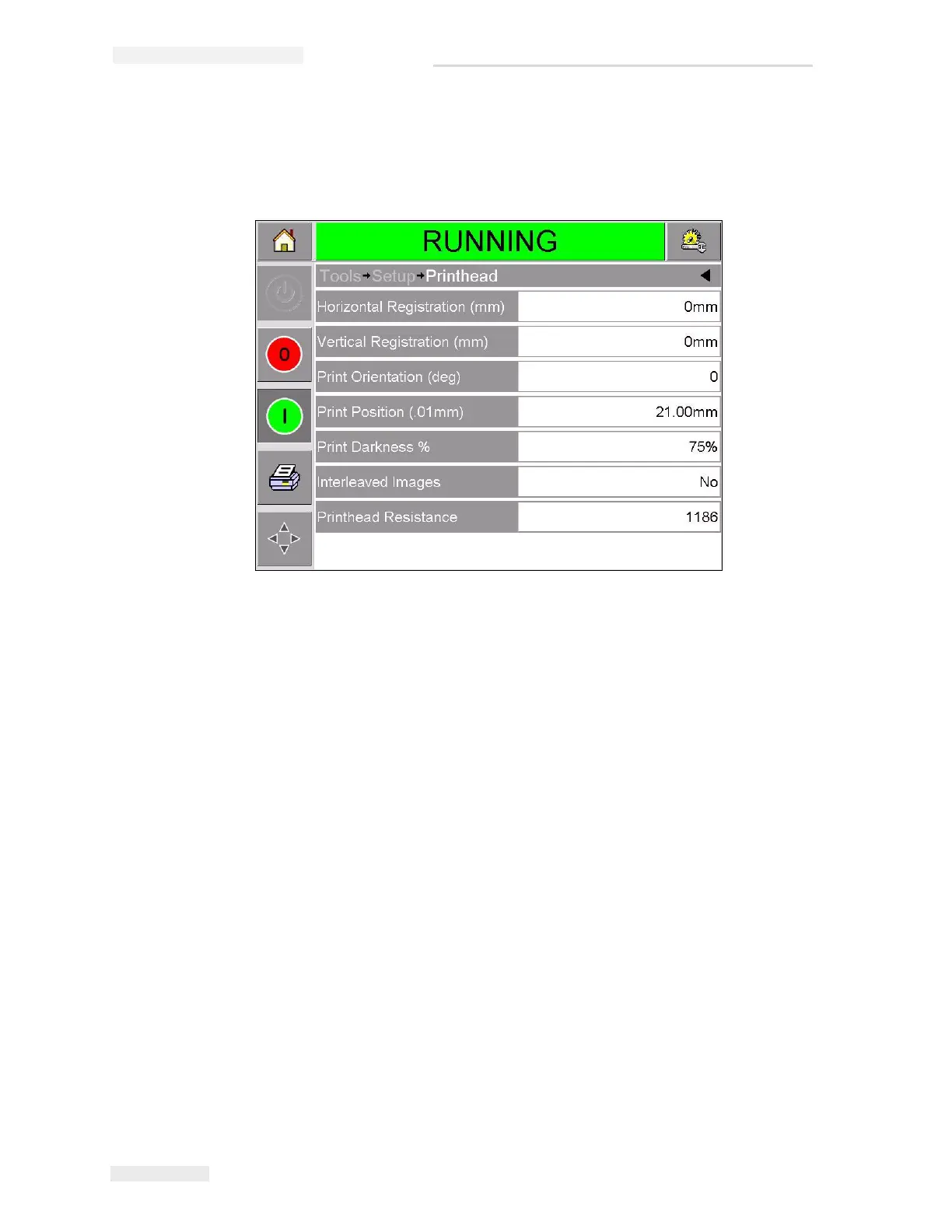
Figure 4-13 shows the printhead setup page for printers that have been
installed to work on a continuous motion packaging machine (prints
while the target material is moving).
Changing the Print Position
If the image does not print in the correct position on the packaging film,
you can change the position by changing the Horizontal or Vertical
Registration. This allows you to move the image inside the printing area
window of the machine and to make small adjustments to the print
location without moving the printer on the bracket. If the image is moved
outside the print window or the available ribbon width, part of the image
will not be printed.
• The Vertical Registration determines the position across the width of
the packaging film or printhead.
• The Horizontal Registration determines the position along the length
of the packaging film.
To change the print position, proceed as follows:
1 Touch the Tools button on the home page.
2 Touch the Setup button on the tools page.
3 Touch the Printhead button to open the printhead setup page
(Figure 4-12 on page 4-17 and Figure 4-13).
Figure 4-13: Printhead Setup Page for Continuous Motion Applications



 To Next Page