Rev AA Changing the Position or Appearance of the Print 4-19
Videojet DataFlex 6420 Operator Manual
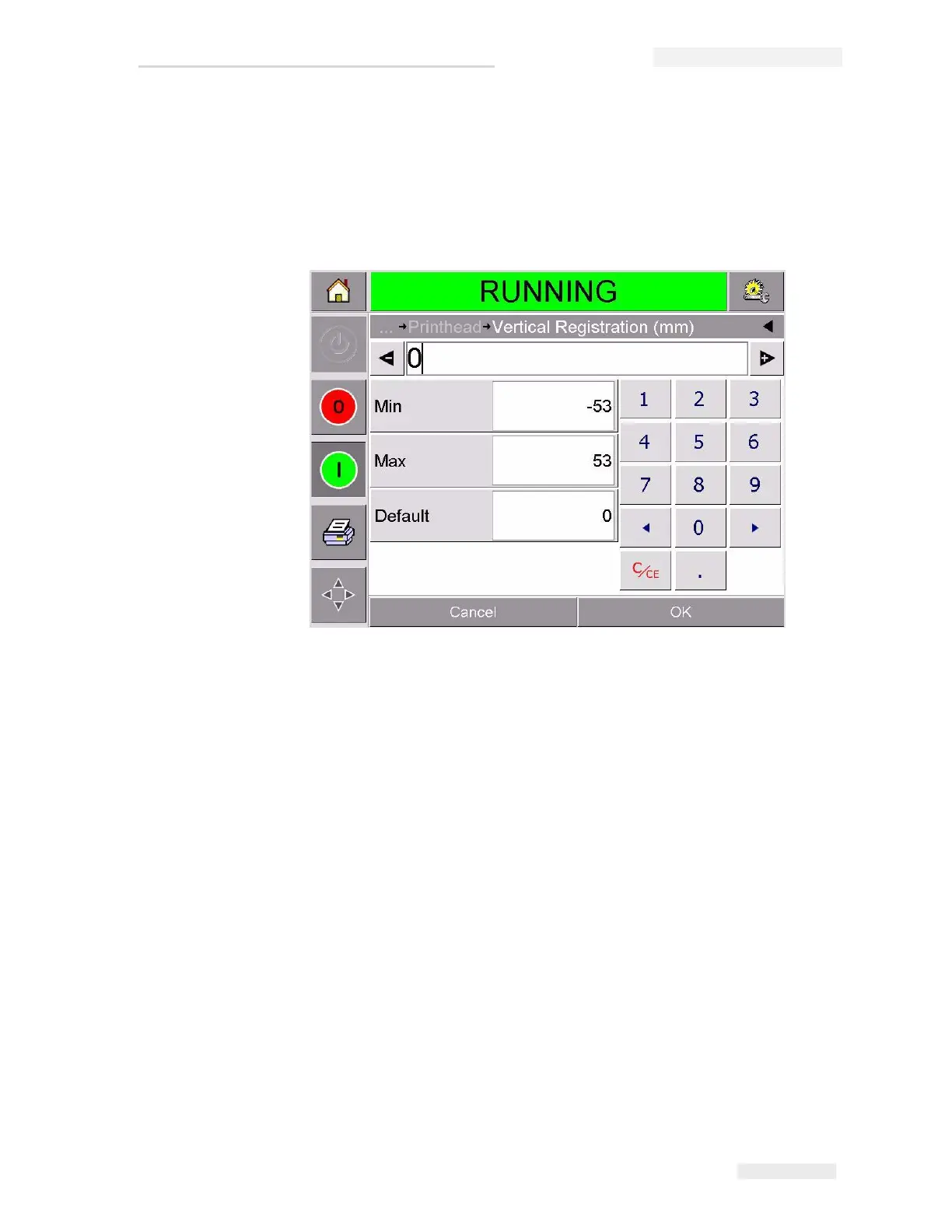
4 Touch either the Horizontal Registration button or the Vertical
Registration button on the printhead setup page to open the page for
editing the required settings.
5 Use the + or - buttons (Figure 4-14) to make small adjustments in the
parameter settings.
Alternatively, do one of the following to make changes in the settings:
• Type a new value using the keypad.
• Touch the Min, Max, or Default buttons to select the minimum,
maximum, or default (standard) values.
6 Touch OK to save the settings.
7 Touch the Home button to return to the home page.
Note: The same adjustments can be made via the Print Registration button
on the home screen.
Figure 4-14: Vertical Registration Settings



 To Next Page