4-20 Changing the Position or Appearance of the Print Rev AA
Videojet DataFlex 6420 Operator Manual
Changing the Print Orientation
You can change the orientation in which a job image is printed.
To change the print orientation, proceed as follows:
1 Touch the Tools button on the home page.
2 Touch the Setup button on the tools page.
3 Touch the Printhead button to open the printhead setup page.
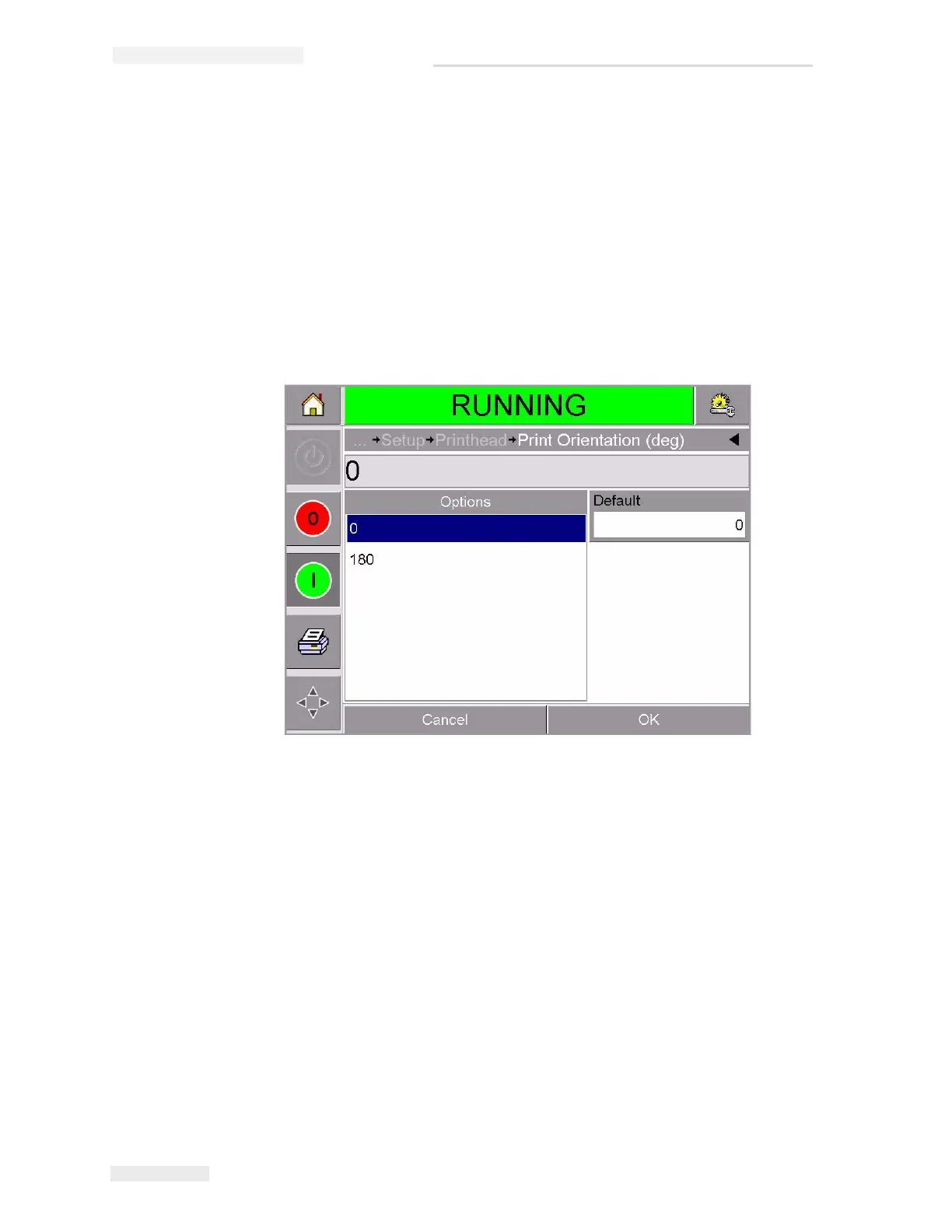
4 Touch the Print Orientation bar to open the print orientation settings
page (Figure 4-15).
5 Touch the required value from the Options list to select 0or 180
6 Touch OK to set the new orientation.
7 Touch the Home button to return to the home page.
Figure 4-15: Print Orientation Settings



 To Next Page