Rev AA Viewing the Current Job or Image 4-3
Videojet DataFlex 6420 Operator Manual
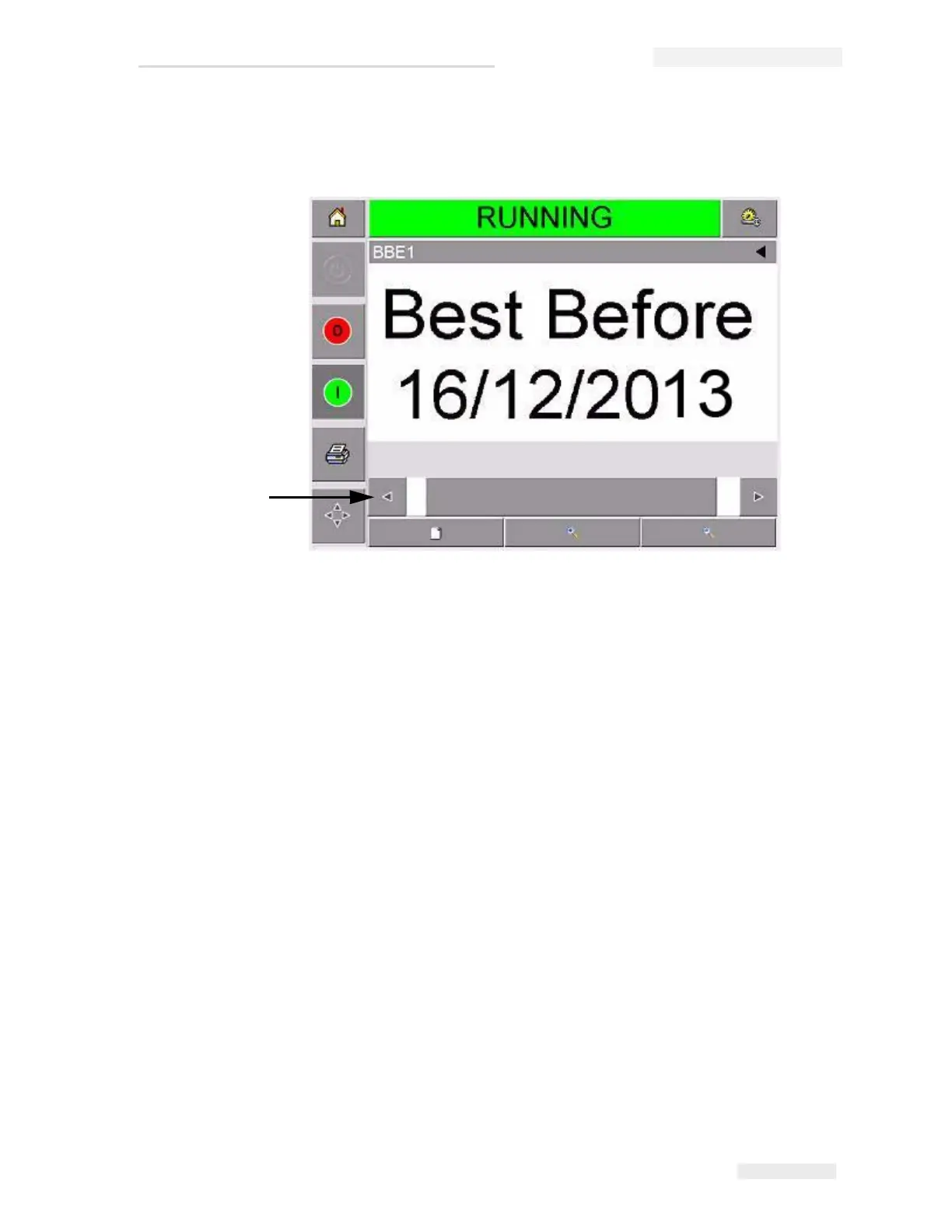
Figure 4-3 shows a magnified image, along with an activated scroll
bar to enable scrolling along the length of the selected image.
If you are satisfied that the correct job is displayed, you can start
printing. If the current job is not the job that you want to print, refer to
the instructions in “Selecting a New Job” on page 4-4.
3 Touch the Back button on the navigation bar, or the Home button to
return to the home page.
Figure 4-3: Magnified Image
Scroll Bar



 To Next Page