4-2 Viewing the Current Job or Image Rev AA
Videojet DataFlex 6420 Operator Manual
To view more details of the current job, proceed as follows:
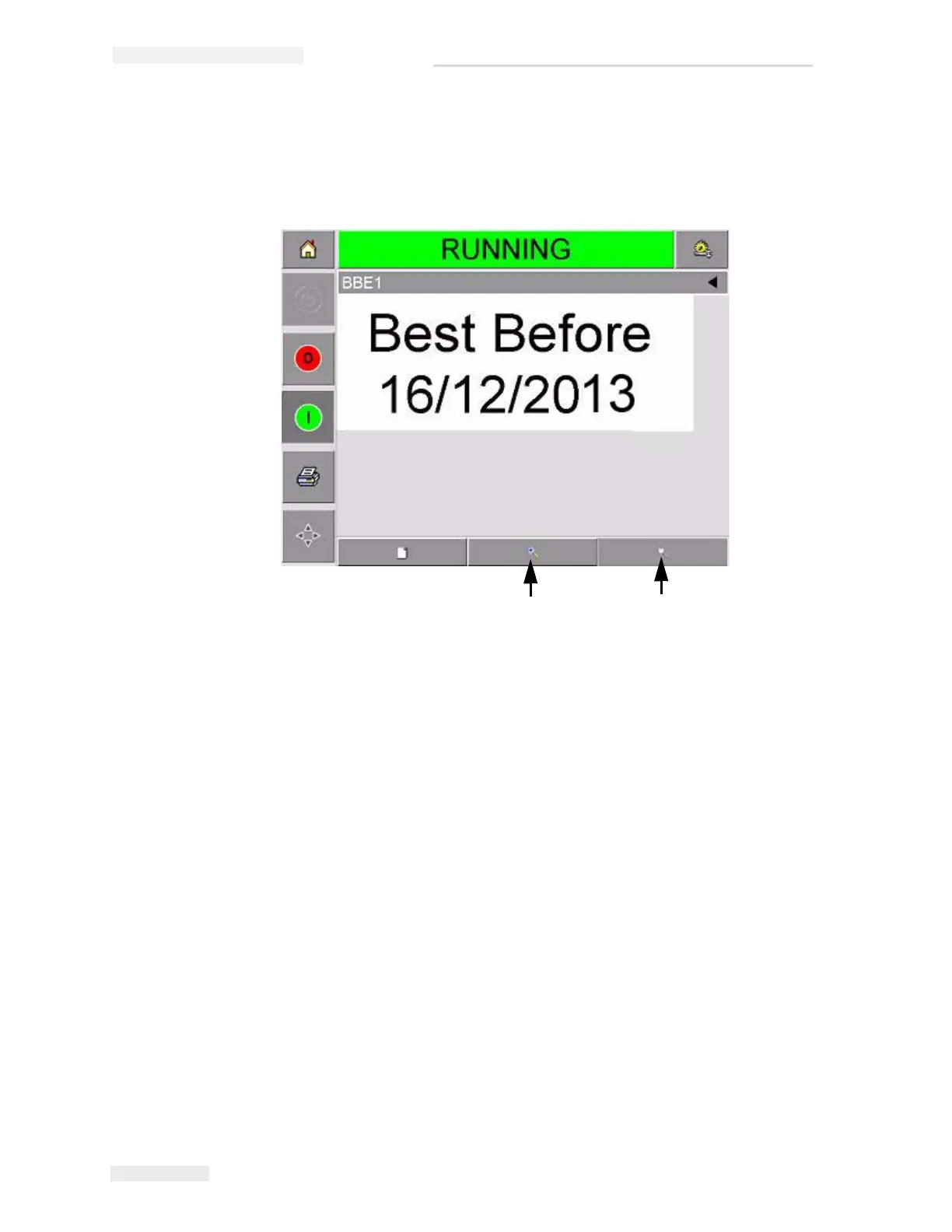
1 Touch the current job area on the home page screen. This will display
the details of the job, as shown in Figure 4-2.
2 To magnify the image on the screen, touch the Zoom In button
(Figure 4-2). This allows you to view the details of the complicated
images easily.
Figure 4-2: Current Job Details Display
2
1
1. Zoom Out Button
2. Zoom In Button



 To Next Page