Rev AA Deleting a Job from the Jobs Database 4-25
Videojet DataFlex 6420 Operator Manual
5 Touch the Delete button either on the job preview screen or on the
database screen.
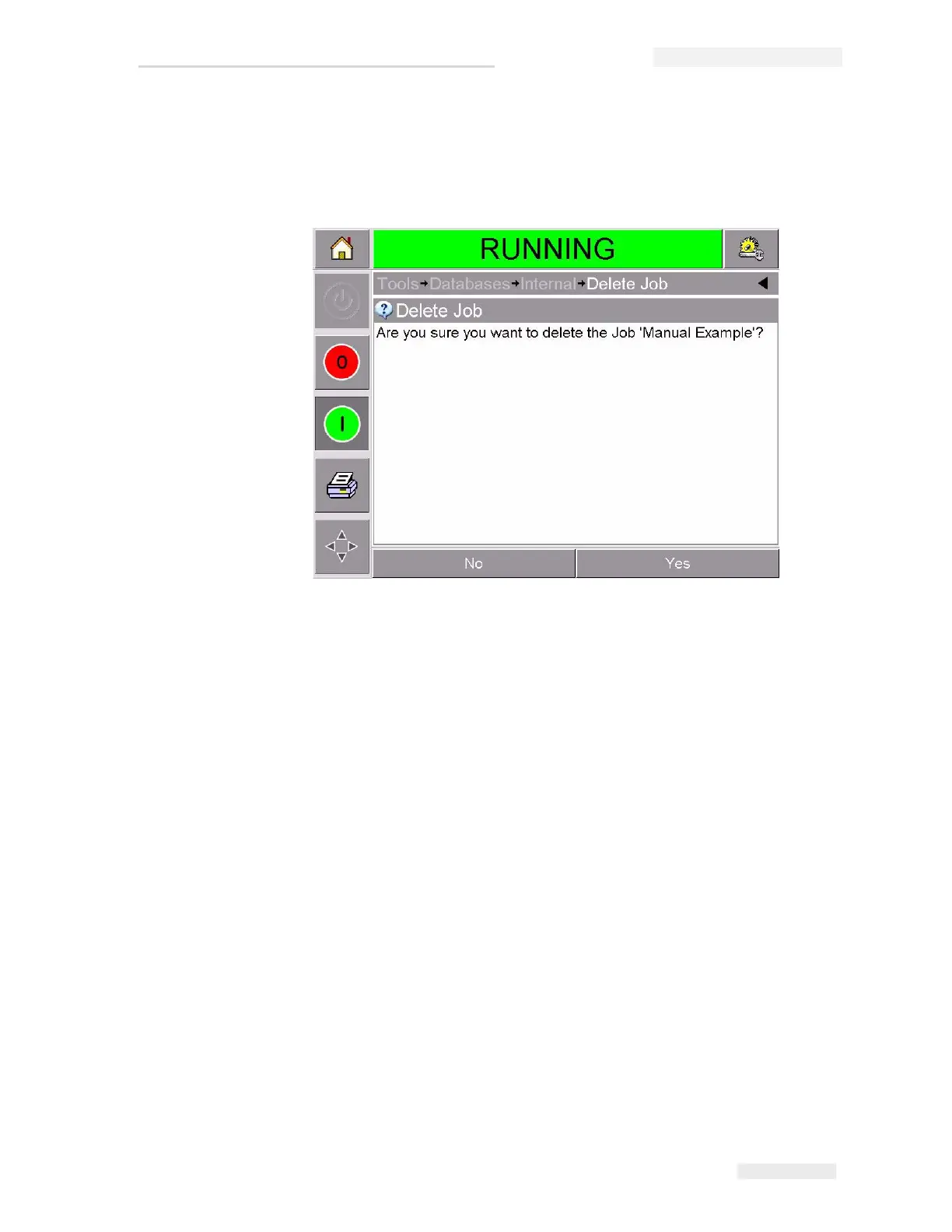
6 Confirm the job to be removed (Figure 4-19).
7 Touch Yes to remove the job.
8 Repeat Step 3 to Step 7 to remove other jobs that are not required.
9 Touch the Home button to return to the home page.
Figure 4-19: Confirmation Screen



 To Next Page