– 51 –
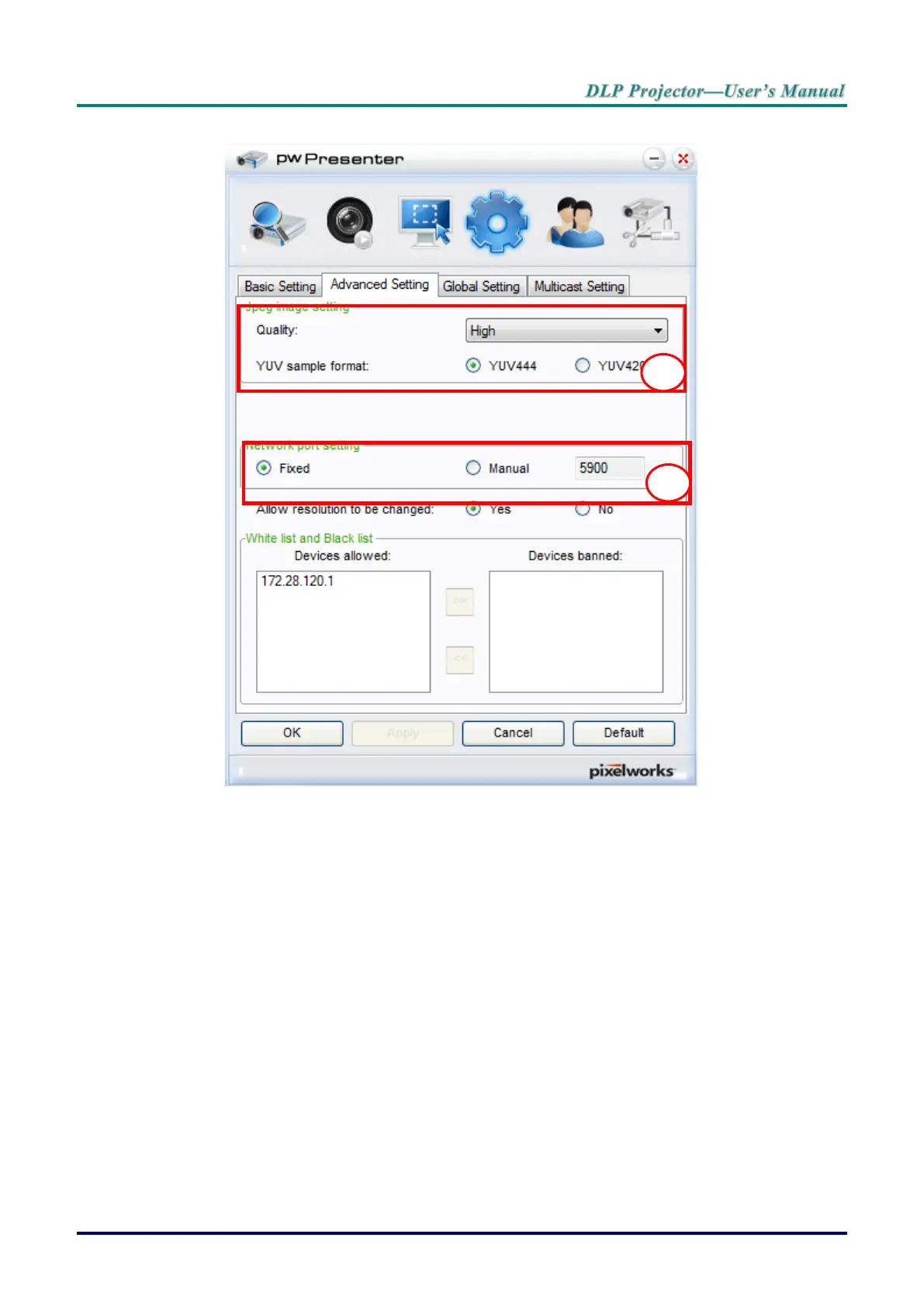
8. Click the Advanced Setting tab to configure pwPresenter advanced settings.
a. Set the image quality setting. Click the drop-down menu to select the desired image
quality. Click Apply to save the setting.
b. Define the network port, fixed or manual. If manual is selected, enter the port number.
Click Apply to save the setting.



 To Next Page