19
2.3 How to navigate in the interface
Mini guide
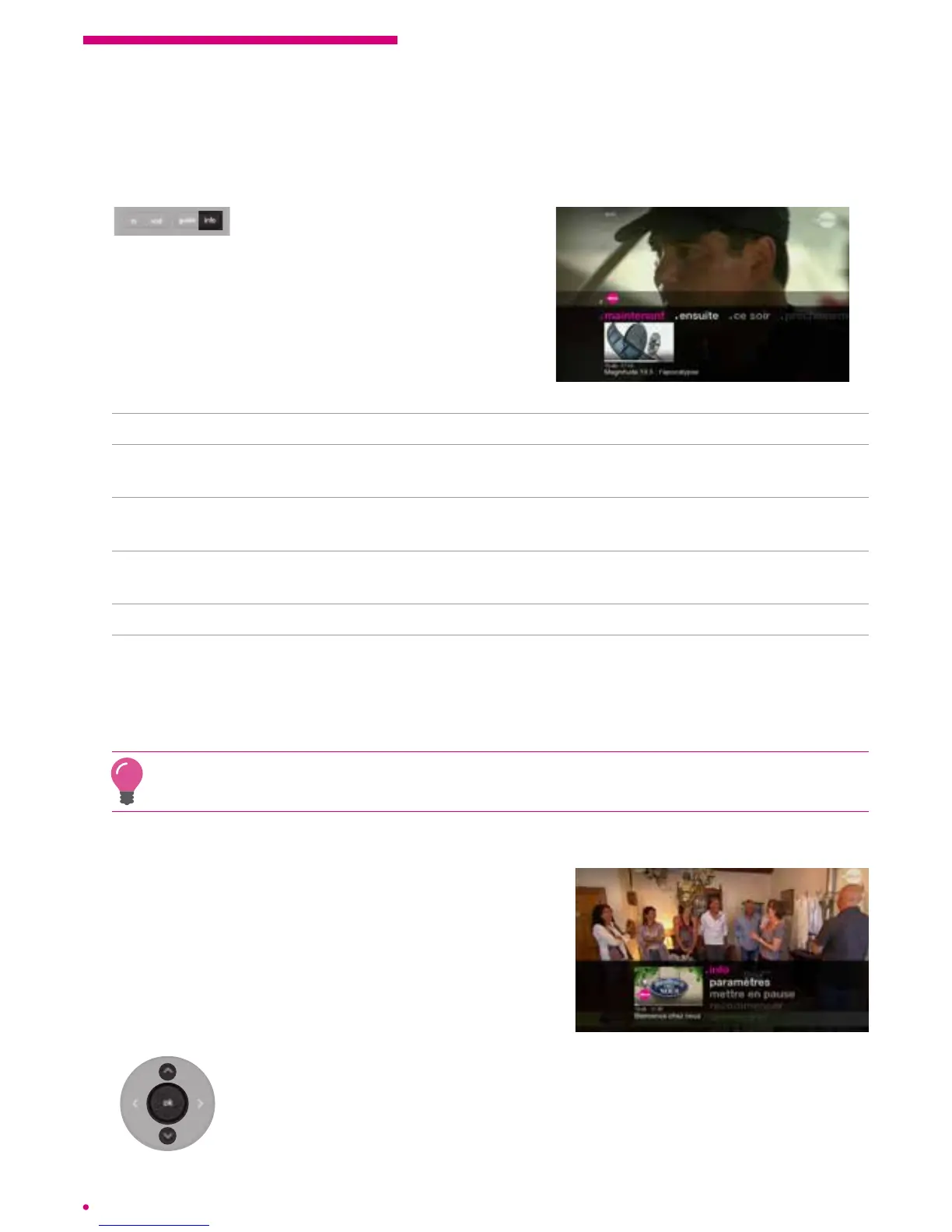
By pressing the ‘info’ button on
your remote control, you will
display information related to the channel on
which you are.
The menus are:
replay Suggestions of programmes to watch again on the current channel.
now Information on the current programme: programme name, start time, end time
and programme progress bar.
next Information on the following programme: programme name, start time,
endtime.
tonight The information on your evening programme (the programme to be broadcast
at 9 p.m.): programme name, start time, end time.
soon Suggestions for programmes to be broadcast soon on the current channel.
apps Select an application with the navigation keypad, conrm it with the ‘ok’ button
and you will be automatically redirected to the desired content.
This link is subject to the availability of relevant content related to the channel
or programme.
By pressing ‘ok’, you display the menu of actions related to the selected programme.
Action menu
The action menu is presented to you as soon as it
is possible to obtain more information or to activate
functions on a current programme, an on demand
programme or a recorded programme.
Press the ‘ok’ button to display the action menu of your
currentprogramme.
Navigate through the menu via the up and down keys on the navigation
keypad and press ‘ok’ to conrm your selection.



 To Next Page