26
3.4 Replay
There are 3 different ways to see a programme you missed:
Timeshift
Your box allows you to return to your viewing history. If you missed some of the
programmes of the channels on which you were on, you have the opportunity to go
back to watch them again.
To do this, simply use the ‘rewind’ or ‘back skip’ button on your remote
control when you watch a live programme.
p.22
The various programme skips or the shifts from one channel to another
are notied by short spaces in your navigation bar.
Hold down the ‘back skip’ button to return to the beginning of the previous programme.
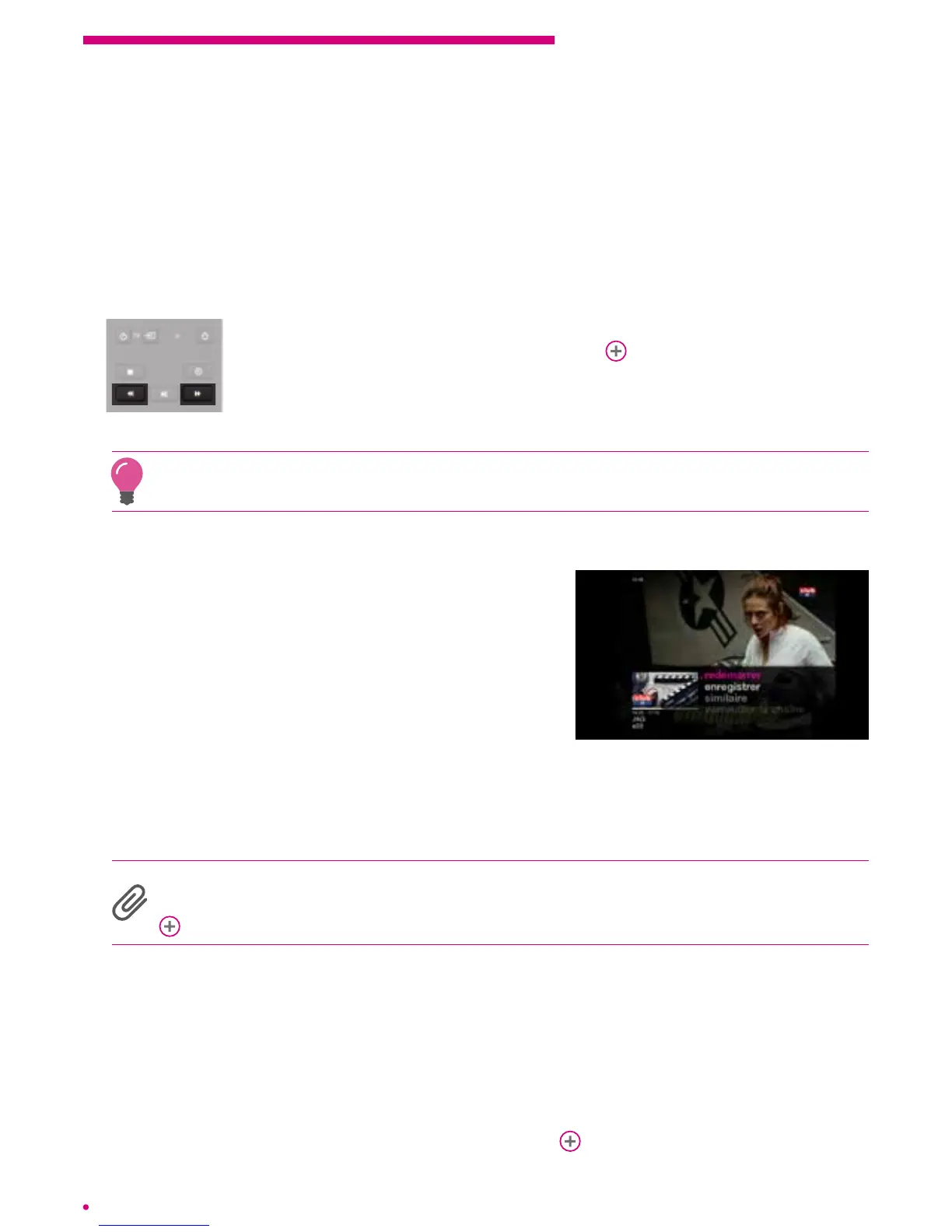
Restart
If you missed the beginning of a programme,
itis possible for you to directly access it from the
beginning through the ‘restart’ function.
To activate it on a current programme, go to this
programme, press ‘ok’ on your remote and select
‘restart’. Your programme will restart immediately.
This function is based on the data of TV
programmes, it is possible that actual times may
be slightly delayed. However, your box always allows a margin to ensure that you can
watch the entire programme again. Just fast forward to go to the beginning of the latter
if necessary.
The .évasion offer is constantly changing, it may be that the ‘restart’ is not available
on all the programmes of a given channel, nor on all of your channel offering.
www.VOOassistance.be.
On demand channels
Your box allows you to replay the programmes of certain channels up to 7 days
afterbroadcast.
Pay on demand channels
Some channels offer you the opportunity to replay all of their catalogue subject to
asubscription or purchase of programmes per unit.
p.30



 To Next Page