25
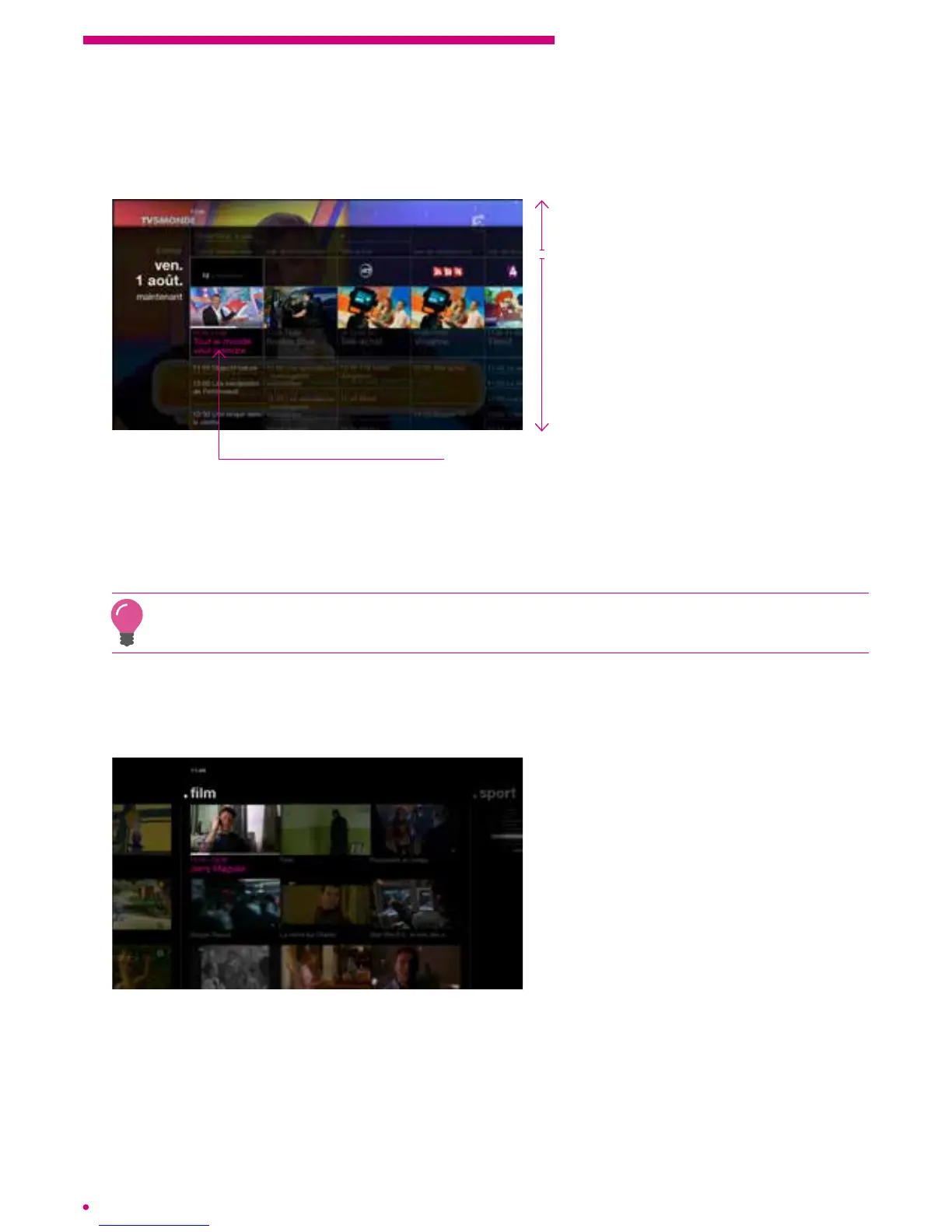
The listings
Consult your TV programmes in the same format as in your favourite newspaper
ormagazine.
Watch the current programme and view
the programming for the next 14 days
according to channel
Replay
Watch the current programme on another channel
Navigate upwards to replay a previously broadcast programme, down to discover the
programming for the next 14 days. Press the left or right arrow to see the programme
ofanother channel.
Press ‘ok’ to reach the desired channel.
Press and hold the up or down arrows to navigate quickly in the past or the future.
Pressand hold the left or right arrows to quickly navigate through the different channels.
The video wall
The video wall allows you to have an overview of all current programmes sorted bygenre.
You will thus have the opportunity to see the
current programmes of the following genres:
- entertainment
- children
- series
- lm
- sports
- magazine
- documentary
Select a programme and press ‘ok’ to view.
Navigate from one programme to the other with a short press on the arrows on your
remote control. Jump to the next genre with a long press on the left or right arrow keys.



 To Next Page