27
Free on demand channels
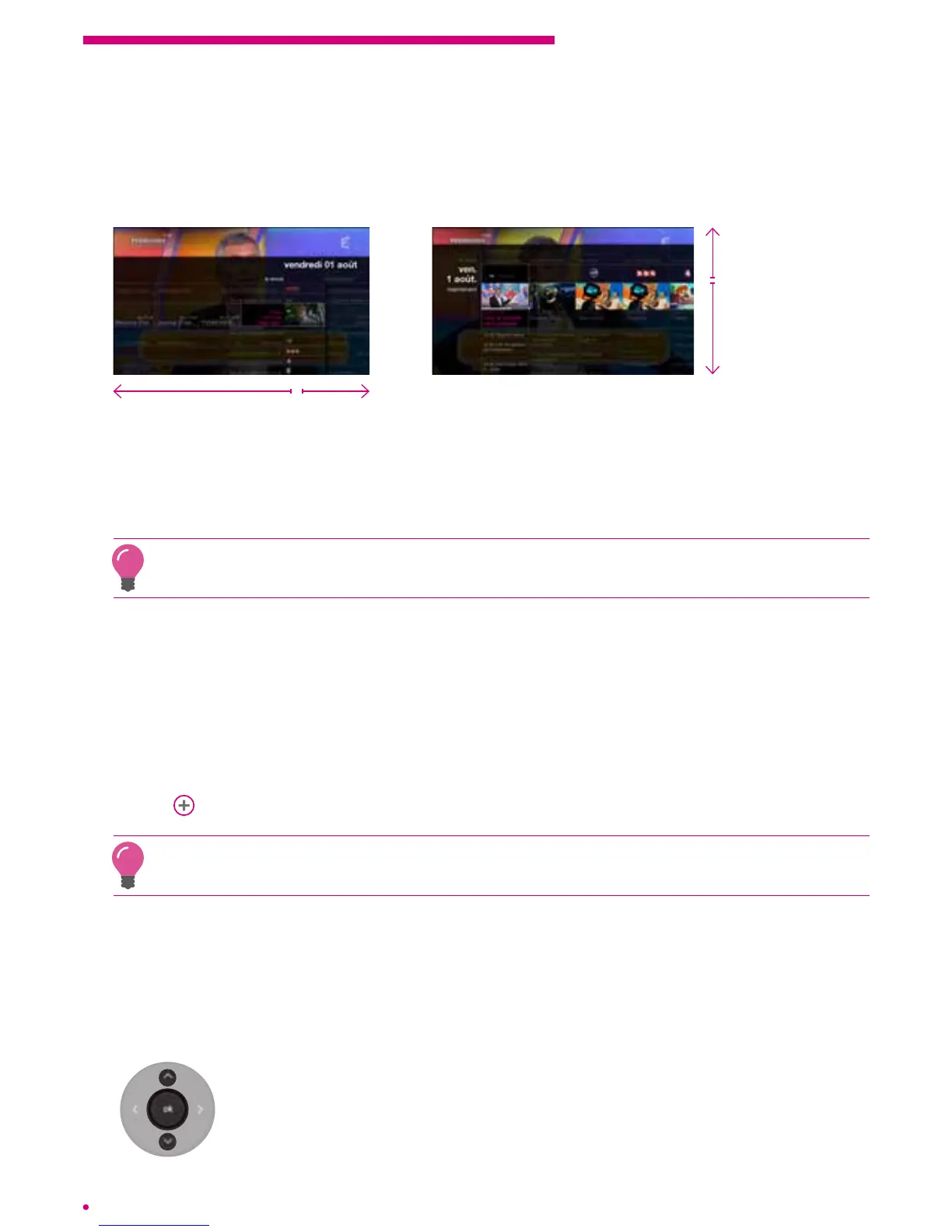
You can access the ‘on demand channel’ content of some channels
- either via the programme guide (listings/grid), by navigating to the left (gridview) or up
(listings view):
On demand channels
Current and future
programmes
On demand
channels
Current and future
programmes
- or via the ‘on demand channels’ submenu available from the ‘on demand’ menu,
where you select the ‘French-language general interest’ catalogue.
You will nd all the available on demand programmes per channel.
Your box will regularly offer programmes for replay via the recommendations that will be
presented in the interface
3.5 Recording a programme
Your box is equipped with a removable hard drive with a capacity of 250 GB,
enabling you to record up to 80 hours of programmes in SD or up to 27 hours of
HDprogrammes. You will nd your recordings in the ‘library’ menu of your main menu.
Todo this, go to the home page (‘home’ on the remote control) and select the ‘library’
menu.
p.31
You can record a programme and watch it at the same time, or watch another channel or
VOD programme or personal content during recording.
Automatic recording
Automatic recording allows you to simply record a specic programme or series
ofprogrammes.
Recording a single programme
To record a current programme, go to the programme’s action menu by
pressing ‘ok’ on your remote control. Select ‘record the programme’.
Youcan then validate or modify your recording.



 To Next Page