28
By selecting ‘set the recording’, you can set the start time and end time, and the
frequency with which you want to record at this time on this channel.
You can also programme the recording of future programmes via the programme guide
or via the ‘mini-guide’.
You can record a programme by simply pressing ‘R’ on your remote control.
When recording a programme, your box is based on the data of the channel programmes
to start and end the recording. If the programme starts later than scheduled, the recording
does not take account of these changes. You can thus provide a safety margin at the
beginning and at the end of your recording, recording will start by default 15 min. before
the time of the programme and will end 10 minutes after its end. You can change these
margins in the ‘recording’ part of your ‘settings / usage parameters’ menu.
Recording a series
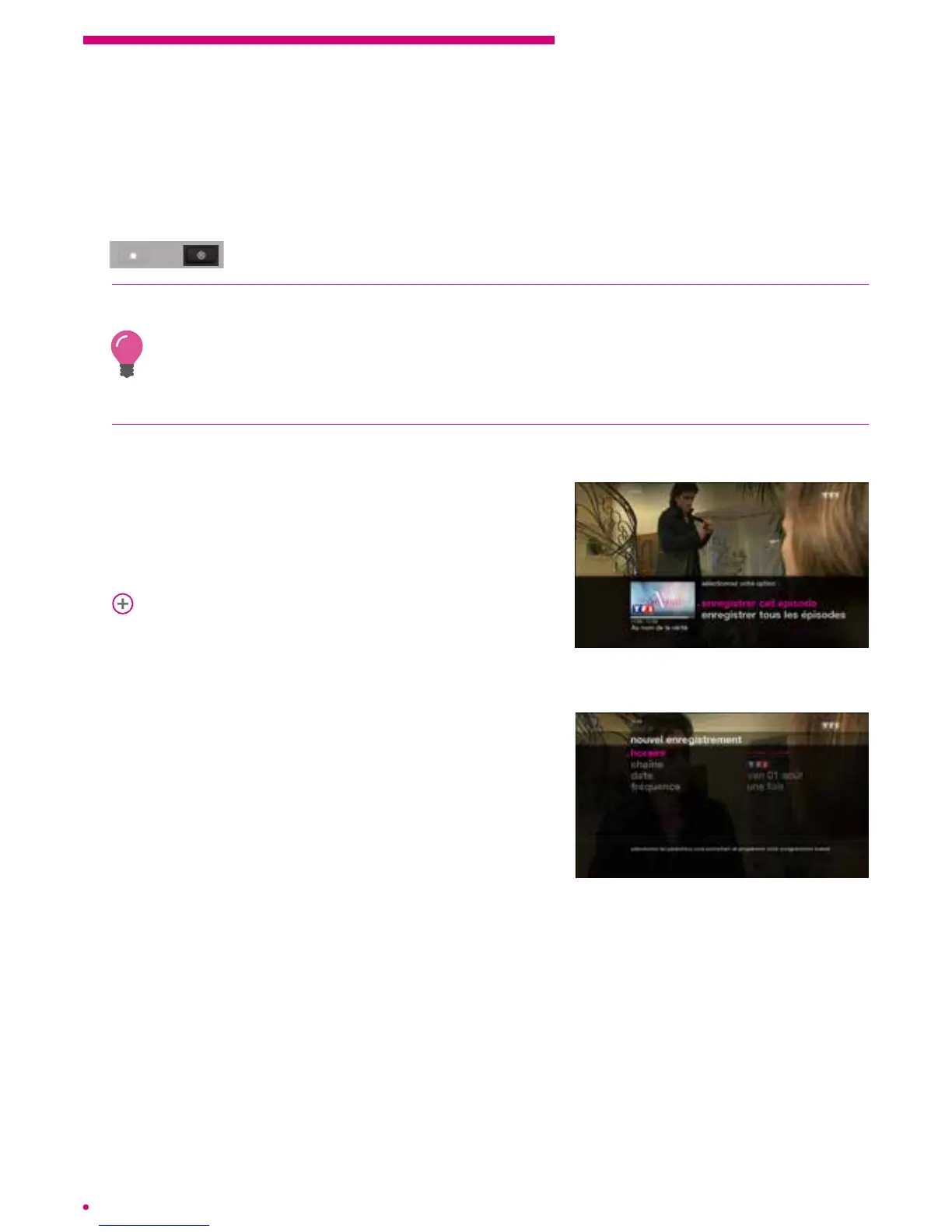
If the programme you want to record is part of
a series, your box prompts you to record either
the current episode or all episodes of the series
broadcast on the channel.
p.38
Manual recording
You can also programme a recording manually via
the ‘my programming’ menu in the ‘library’ menu of
your box. To do this, simply open the main menu by
pressing the ‘home’ button on your remote control.
Select ‘my library’ and then ‘my programming’.
A screen prompts you to enter the time of your
choice, the channel, date and frequency of
therecording.
Protecting a recording
You can protect your recordings so that they are not automatically deleted if your box
needs to free up space for new recordings.
By default, your recordings are not protected. To save a recording, go over it in your
‘library’, press ‘ok’ and protect the recording via the action menu that is displayed.
Asmall padlock appears to indicate that the content is protected.



 To Next Page