22
3.2 Timeshift
Your box allows you at any time to control the viewing of the programme you
arewatching.
Pause
This is possible for live programmes, on-demand programmes, recordings and personal
content. The duration of the pause will be displayed on the screen. Press the
‘Play/Pause’ button on your remote control to pause the programme.
You can also press ‘ok’ and select the ‘pause’ function in the proposed menu.
To restart the programme, press again on the ‘Play/Pause’ button on your
remotecontrol.
If you want to return to the live programme after having paused a live broadcast,
simplypress ‘stop’ on your remote control.
If you change channel, and you return to the channel you have put on pause, you will be
redirected to the live broadcast, and not to where you paused the programme.
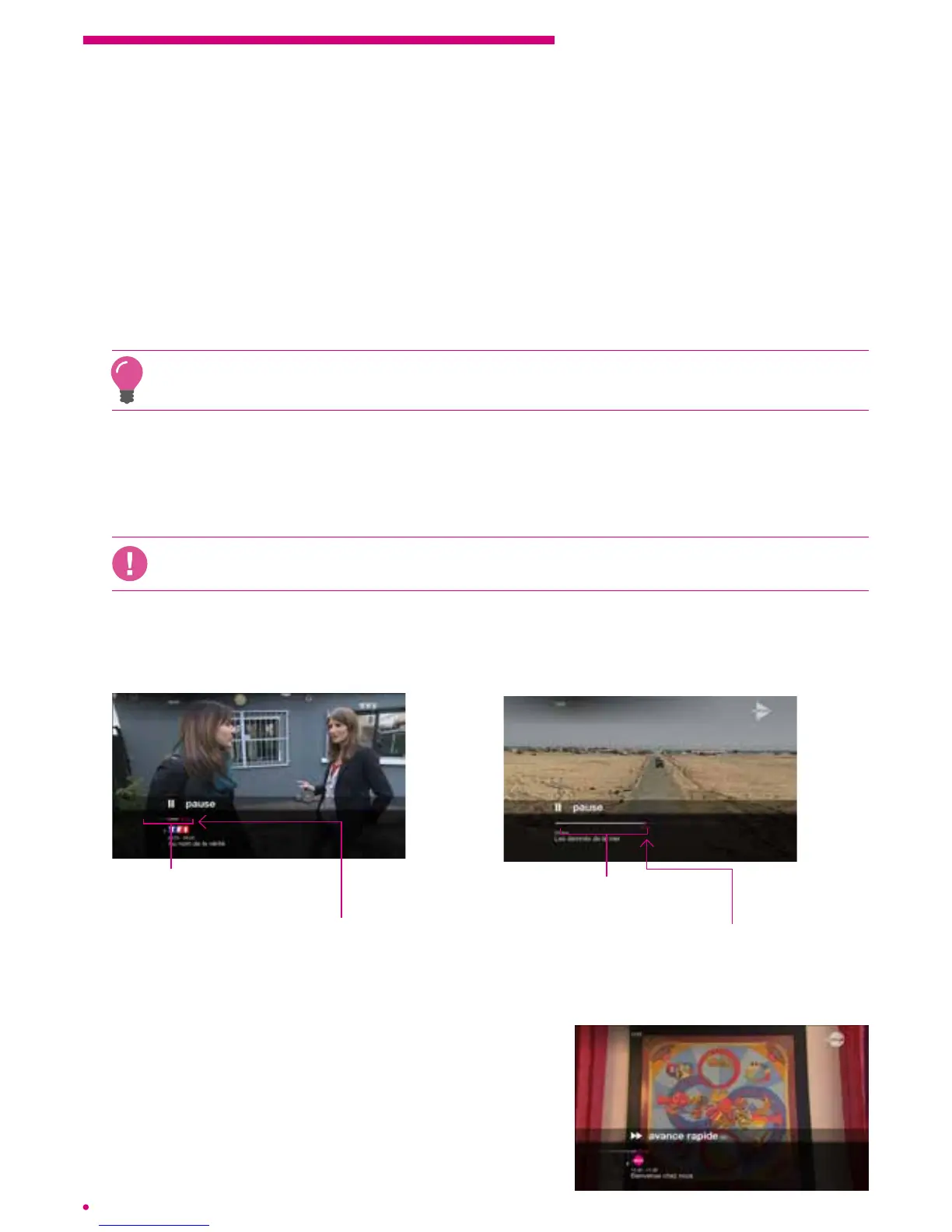
Graphic representation
ofthe pause
Duration of the
pause in minutes
Pausing a current programme
Total duration of the lm
orrecorded programme
Point at which it
was paused
Pausing another current programme
Fast forward and rewind
During playback of a recorded programme or an
on demand programme, and after rewinding a
current programme, you can fast forward or rewind.
Yourbox offers several options to advance and
rewind within programmes.



 To Next Page