23
Speed
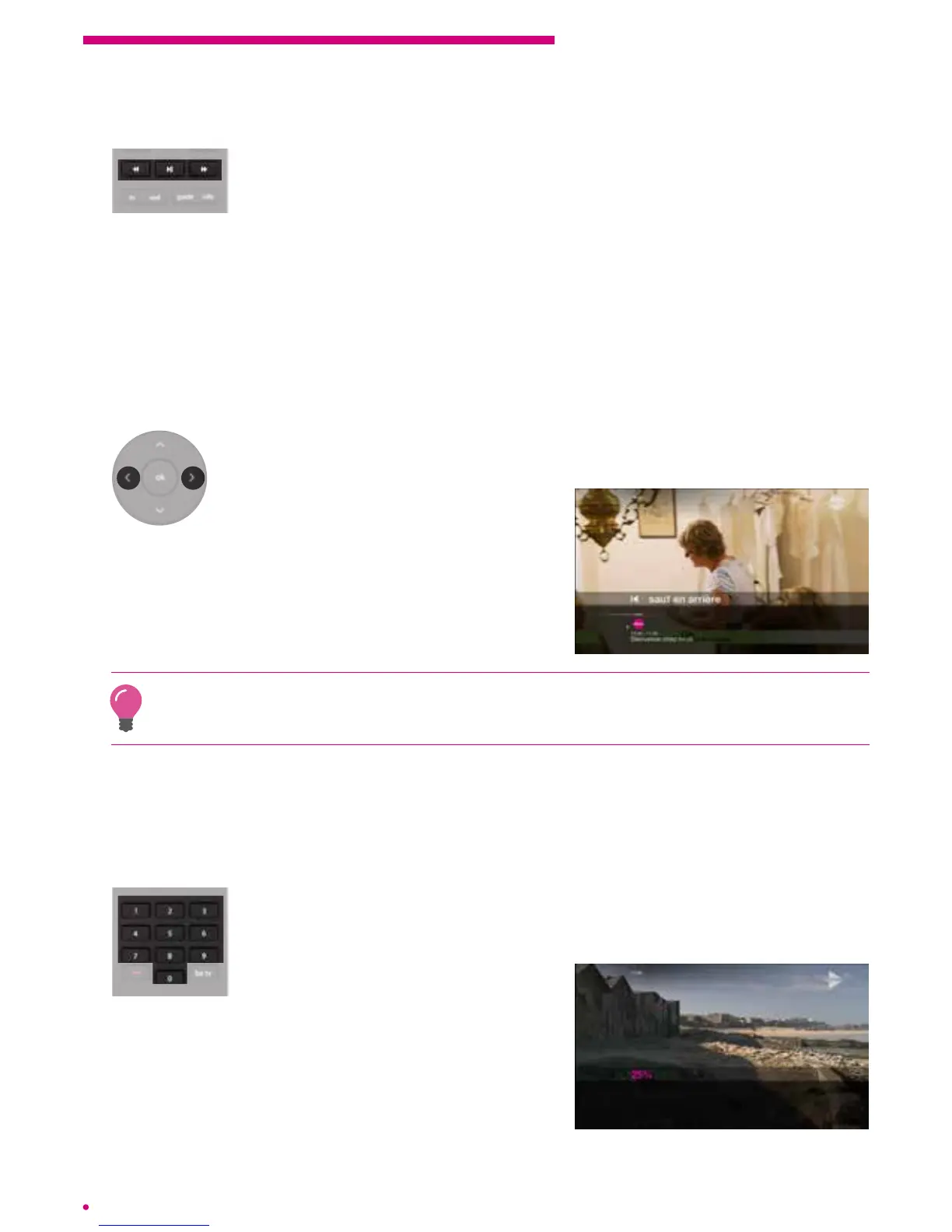
To do so, simply press the ‘fast forward or rewind’ button on your
remotecontrol.
The default speed of the fast forward or rewind is equivalent to 2x the playback speed.
You can increase this speed to 6x, 12x and 30x the playback speed by means of
repeated short presses on the fast forward or rewind button.
The speed of the fast forward or rewind is displayed on the screen.
Skip
You can move forwards or backwards in the programme by skipping several seconds
orseveral minutes.
For this you just need to keep pressing the left arrow or right arrow on your
remote control navigation keypad.
Conrmation of the skip advance will appear on
the screen. By default, you will move forwards or
backwards in skips of 1 minute.
To change the default time, go to the menu ‘settings’ > ‘customer settings’ > ‘skipduration’
and select the desired skip interval. The value will be the same for forwardand
backwardskips.
Advance by percentage
When viewing a recorded programme, an on demand programme or a programme
on your home network, your box gives you the opportunity to directly reach a specic
programme position, expressed as a percentage.
To do this you simply need to enter the percentage you want to reach
using your remote control keypad.
Example: If you enter 25 on the keypad, you will be directly
redirected to the point corresponding to 25% of the total
duration of the programme.



 To Next Page