24
3.3 TV guide
Navigating in your TV programme
The ‘TV Guide’ contains the programmes of the next 14 days for all channels offered
by the box. For some of the channels, you will have the opportunity to replay up to
8programmes already broadcast. Select the ‘+’ icon to access all the programmes
available on demand. Your box allows you to replay these programmes up to 7 days
after broadcast. They are represented in their chronological order of broadcast,
from most recent to the oldest. To access the ‘TV Guide’, go to the main menu
(‘home’button on your remote control), select the ‘TV Guide’ menu, then select the
typeof guide you want to access and press ‘ok’.
To add a reminder so you do not miss the beginning of your programme, press ‘ok’,
select‘add a reminder’. A message will appear at the start of the programme
regardless ofthe channel on which you are.
The ‘TV guide’ comes in three different formats: the grid, the listings and the videowall.
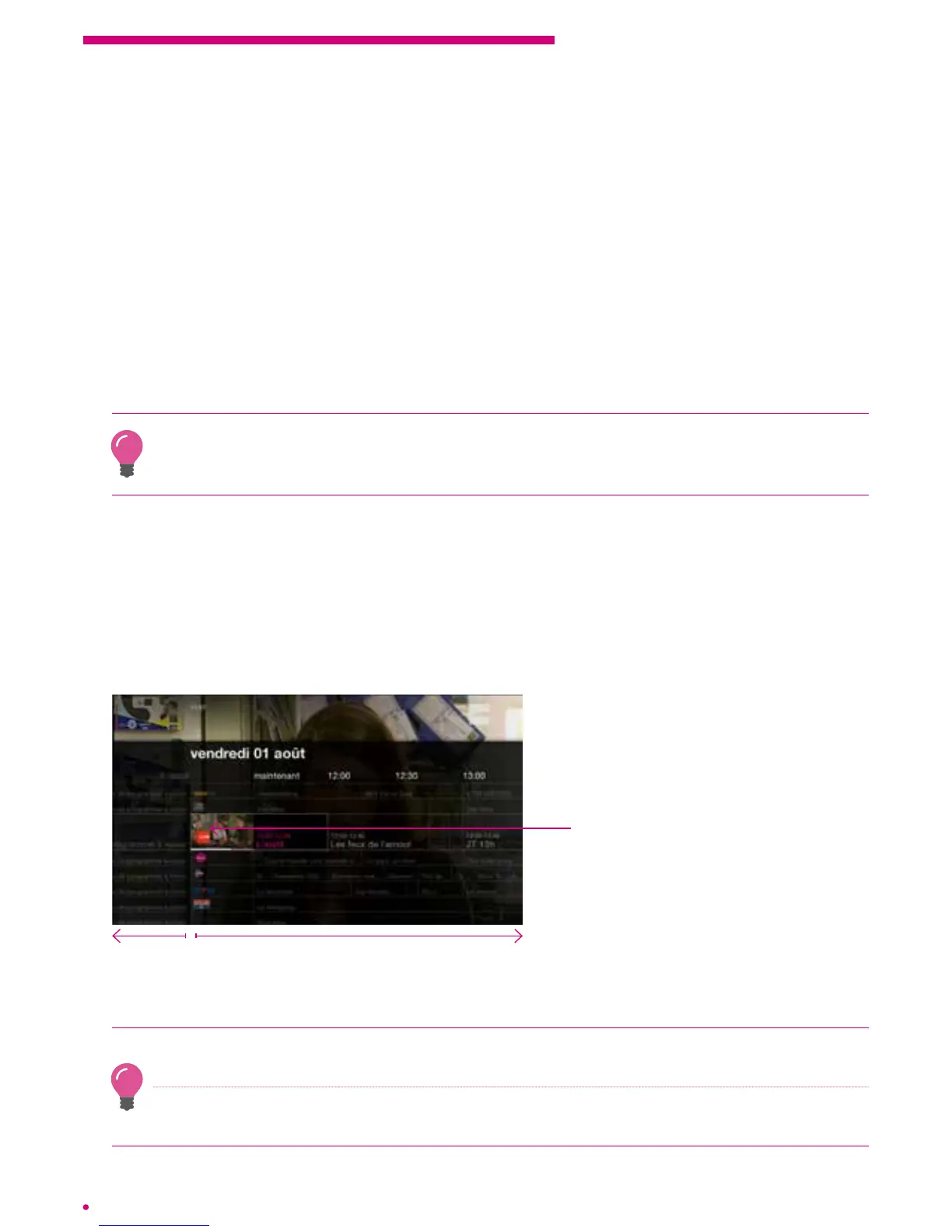
The grid
The grid offers a horizontal view of your programmes. Navigate right to discover the fu-
ture channel programmes and to the left to access television programmes on demand,
already broadcast.
Scroll up or down to see the programmes of other channels.
Replay
Watch the current programme on
another channel while keeping the
contents of your current channel
Watch the current programme and view the settings of the
next 14 days according to channel
Press ‘ok’ on a current programme to reach the desired channel.
Press and hold the left or right arrows to navigate quickly in the past or the future.
Pressand hold the up or down arrows to quickly navigate through the different channels.
Press the ‘guide’ button on your remote control to be directly redirected to the grid format
‘TV Guide’.



 To Next Page