30
Cancelling a programmed recording
To cancel a programmed recording, go to the ‘my programming’ menu of the ‘library’
menu. Select the programmed recording and press ‘ok’ on your remote control.
Thenselect ‘cancel the recording’.
If you have programmed the recording of a series, your box will prompt you to cancel the
recording of the selected episode or cancel the recording of the entire series.
Remote recording
You can programme the recording of a programme remotely via the
VOOmotion application. You can record a programme from your computer,
tablet or smartphone without being in front of your TV.
www.voomotion.be or the VOOmotion application (iOS and Android).
If a member of your household has a scheduled recording, programming will be visible only
after 10 minutes in VOOmotion. If you have decided to record the same programme in that
time, the recording will be duly conrmed.
Remote recording can only be done if your box is completely off or in passive standby.
Be sure to keep your box in active standby so that you can use the remote recording
function.
p.41
This feature will be available soon. Check periodically for its availability on
www.voomotion.be or in your application.
Accessing your recorded programmes
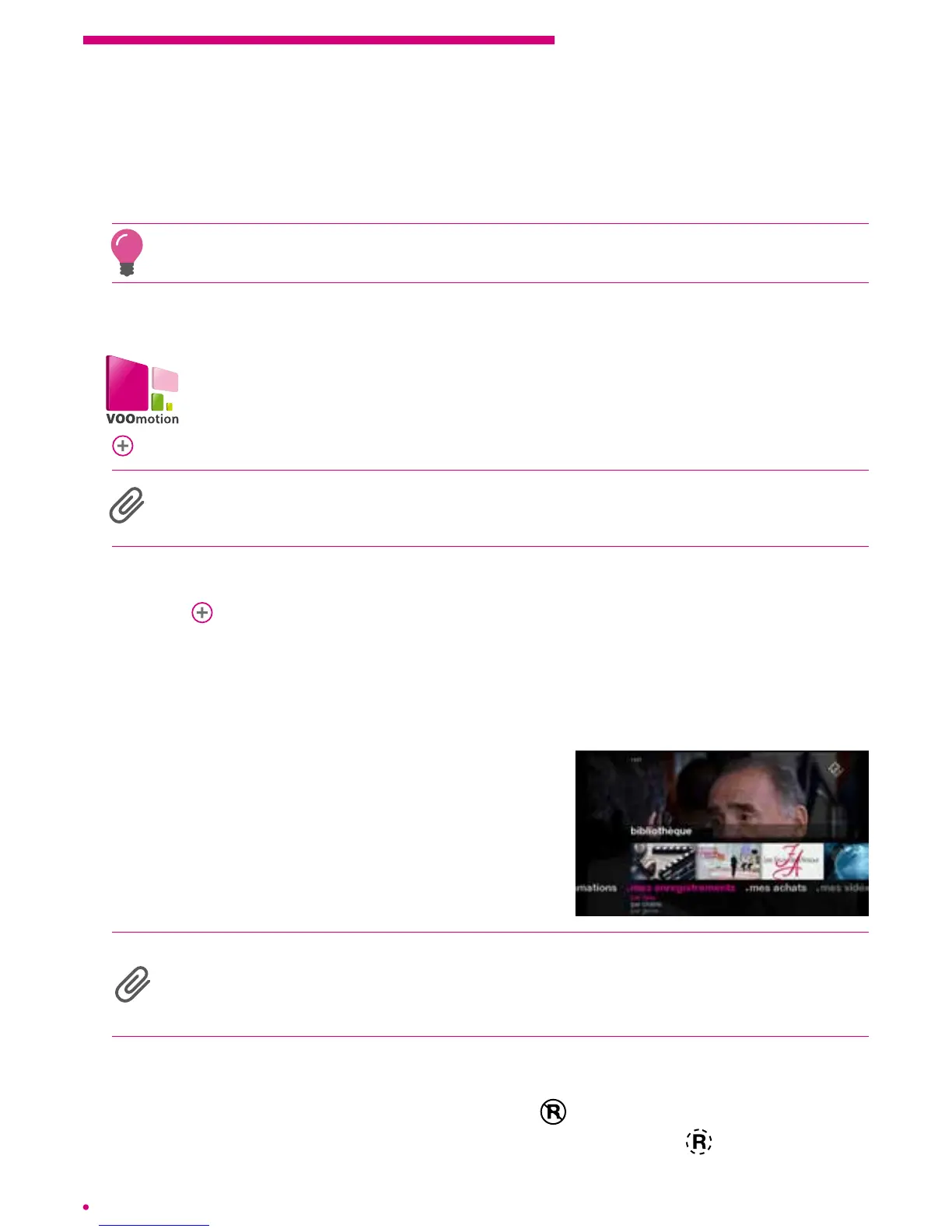
To access your recordings, simply go to your library.
To do so, display the main menu of your interface
viathe ‘home’ button of your remote control and
select the ‘library’ menu.
In your library, you have the option to view your
recordings by date, type of programme or channel.
Protection of adult programmes
All actions related to the recording or viewing of your adult programmes will be protected
by the parental code. You will nd your recordings in the ‘adults’ submenu of your library,
theywill not be included in other recordings.
Recording failed
If your recording fails, it will be notied by the icon in the programming list of your
library. If the recording could not be performed in full, then the icon
will appear.



 To Next Page