31
3.6 Library
In your library, you will nd your recordings, your programmed recordings, your
purchases, your videos/photos and personal music, your devices connected to your
box and all your adult content.
Your recordings
Here you can see all your recordings. You can see them sorted by genre, by channel
ordate.
p.30
by genre by channel by date
Your purchases
In this menu, you will nd all purchases, paid or free, you have made in the on demand
catalogues and for which you still have the viewing rights.
Your personal content (DLNA)
You can watch your own content on your box. For this you need to connect your media
center to your box via your home network.
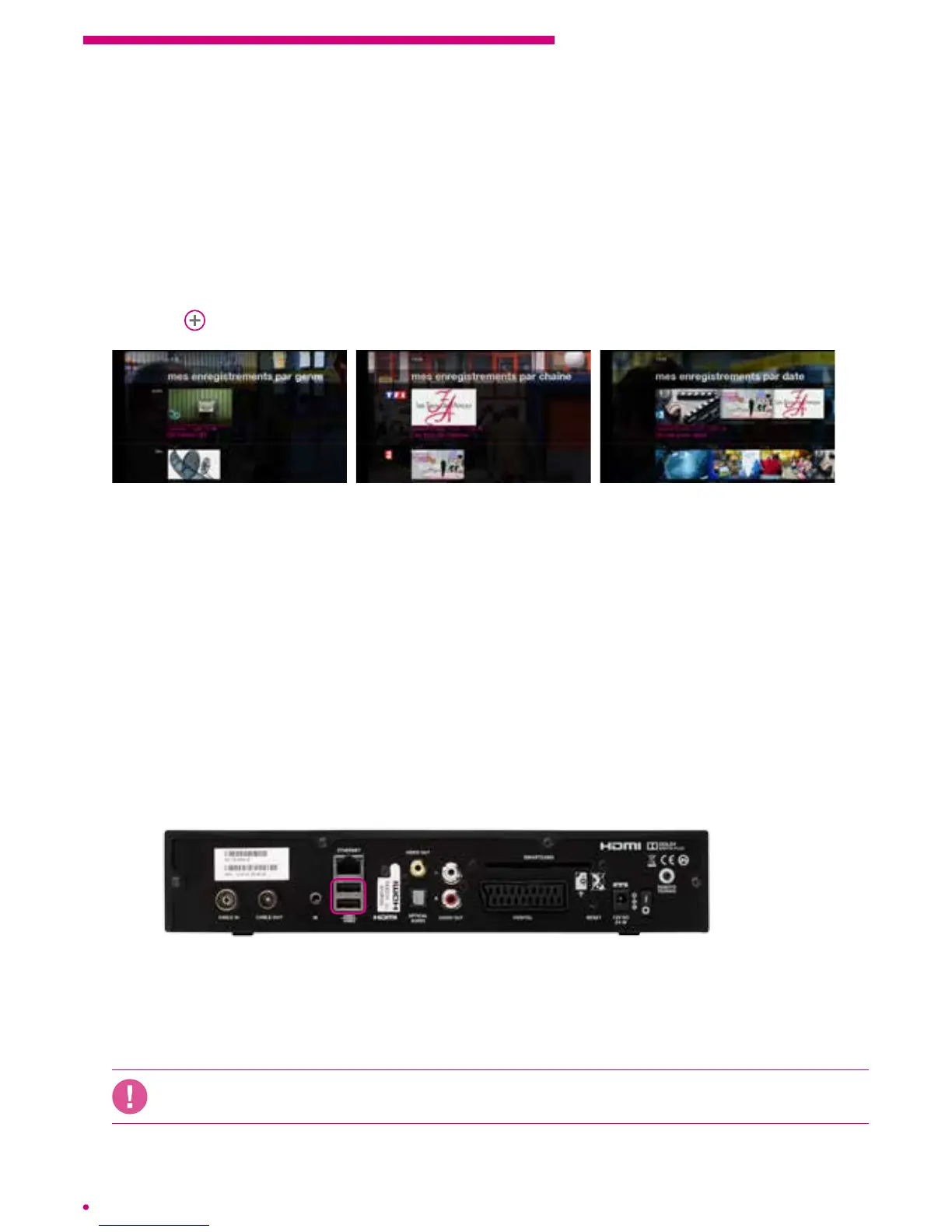
You can connect up to two USB devices and others via Wi. Your devices are
presented in the ‘my devices’ menu of your ‘library’ menu.
To view your content, select ‘library’ from the menu, then the content type. You can
access your music, lms and your photos. The content will be presented in the order
inwhich they appear in your media center.
The box supports most formats but cannot guarantee compatibility with all existing audio
video and photo formats.



 To Next Page