37
The ‘settings’ menu allows you to customise various parameters relating to the use
ofyour box. For example, you can set your preferences for the menu language,
audioandsubtitles.
To access the ‘settings’ menu:
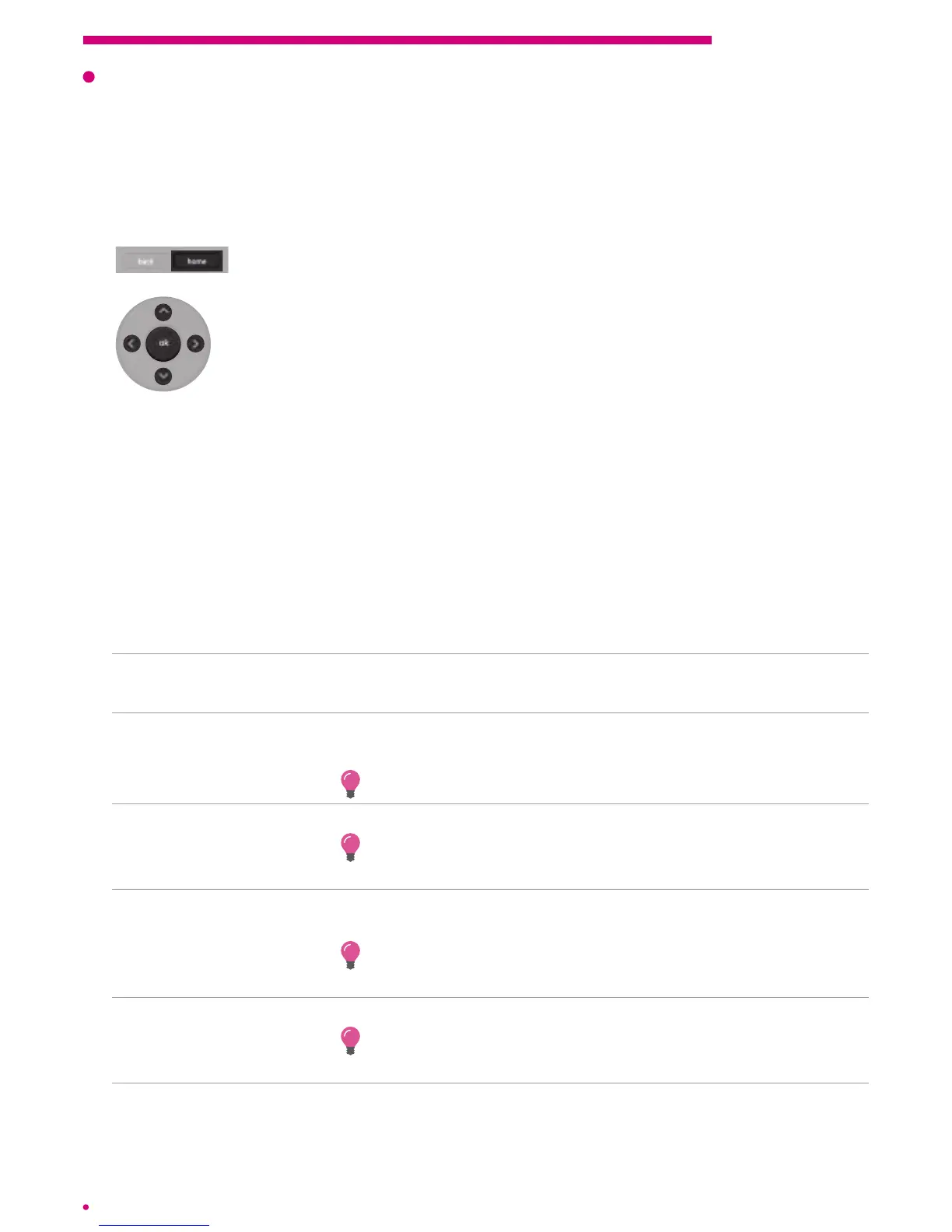
Press the ‘home’ button on the remote control. The main menu is
displayed on the screen.
Use the arrow buttons on the central keypad of the remote control
toselect ‘settings’ under the ‘preferences’ menu.
Press ‘ok’ on the remote control to validate.
The ‘settings’ menu will appear on the screen.
4.1 Settings
Usage parameters
Language and subtitles
interface language To change the interface language to French, Dutch, German
orEnglish.
audio language To change the audio language of the programmes according to
theavailability of the channels.
Change the language currently being used via the action menu.
subtitle activation To automatically display the language of subtitled programmes.
Enable or temporarily disable subtitles using the action menu
ofa programme.
subtitle language To change the language of the subtitles of the programmes that
have them.
Temporarily change the language of the subtitles using the
action menu of a programme.
types of subtitles To select either subtitles for the hard of hearing or standard subtitles.
Temporarily change the type of subtitles for a programme using
the action menu.
audio description To enable audio description of a programme when it is available.
chapter 4 Settings



 To Next Page