21
3.1 Channel hopping
The box provides several options to hop from one channel to another according to
yourneeds.
Normal channel hopping
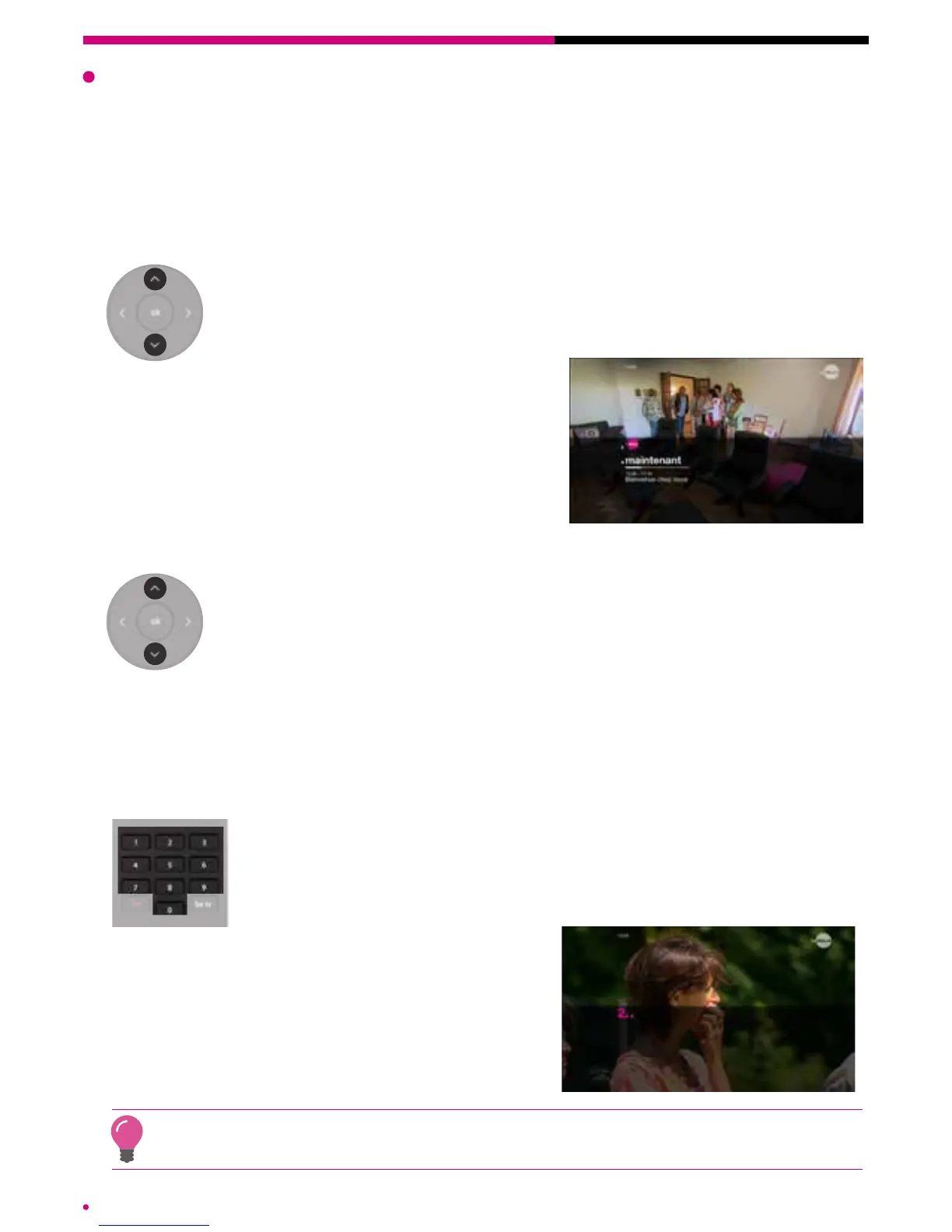
The ‘normal channel hopping’ mode allows you to switch to the next
channel or to the previous channel. Press the top arrow to go back
through your channel list and on the down arrow to go down through
yourchannellist.
The information on the current programme on
the destination channel will be presented via the
transition screen.
Fast channel hopping
‘Fast’ channel hopping allows you to quickly access a remote channel
whose number you have forgotten. To do this, press and hold down the
up arrow or the down arrow to scroll through the respective logos of the
previous channels or following channels.
Release the button when you have reached the desired channel to launch it. The infor-
mation about the current programme on the destination channel will be presented.
Direct access to a channel
Enter the number of the destination channel via the numeric keypad
on the remote control to directly access a channel whose number
youknow.
The information about the current programme on
the destination channel will be presented.
The ‘be tv’ button on your remote control automatically redirects you to the Be 1 HD channel.
chapter 3 TV features



 To Next Page