46
How do I access my recordings?
- To access your recordings, simply go to your library. To do this, display the main
menu of the interface via the ‘home’ button on your remote control and select the
‘library’menu.
How do I change the settings of a recording?
- By selecting ‘change the recording’ via the programme guide, you can set the start
time and end time, and the frequency at which you want to record at this time on
thischannel.
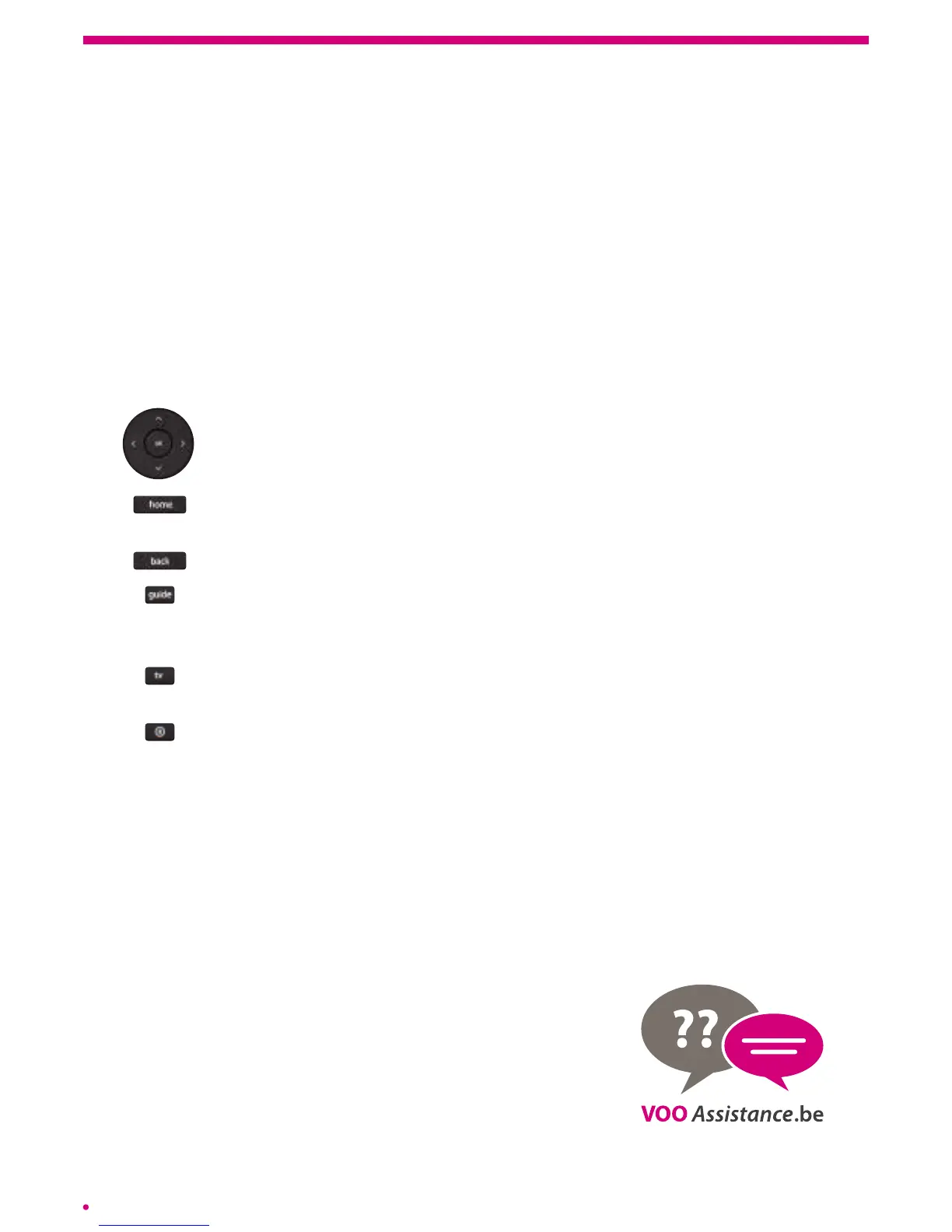
The remote control of the .évasion box
Makes it possible to navigate in all the interfaces of your box. This keypad
is in the centre of the remote control and allows you to move up, down,
leftand right.
Displays the main menu of your interface. This menu gives you access to
aset of shortcuts to the .évasion services and all the available menus.
Automatically redirects to the previous screen of your interface.
Displays the programme guide in horizontal format. To access the ‘listings’
version of the programmes or ‘video wall’, you must go through the ‘guide’
menu to the home screen. (‘home’, ‘guide’).
Always returns to the television stream of your current channel, with no
other element of the interface.
Makes it possible to automatically start recording the current programme.
I have a technical problem, what should I do?
- Reboot your box by pressing the on/off button on the back of your decoder,
thenswitch off the standby function of your decoder by pressing the on/off button
onthe remote control. Rebooting your box takes about 2min. 30sec.).
- If the problem persists, please visit www.vooassistance.be where you will nd answers
to frequently asked questions. Our operators and technicians are at your disposal
on078 50 50 50.



 To Next Page