1. Scan the QR code and send the QR code to your seller.
2. Click Send Password to your E-mail. A password retrieval email will be sent to your
email (for details, see 8.3 E-mail). Then you can retrieve password by following
operations described in the email.
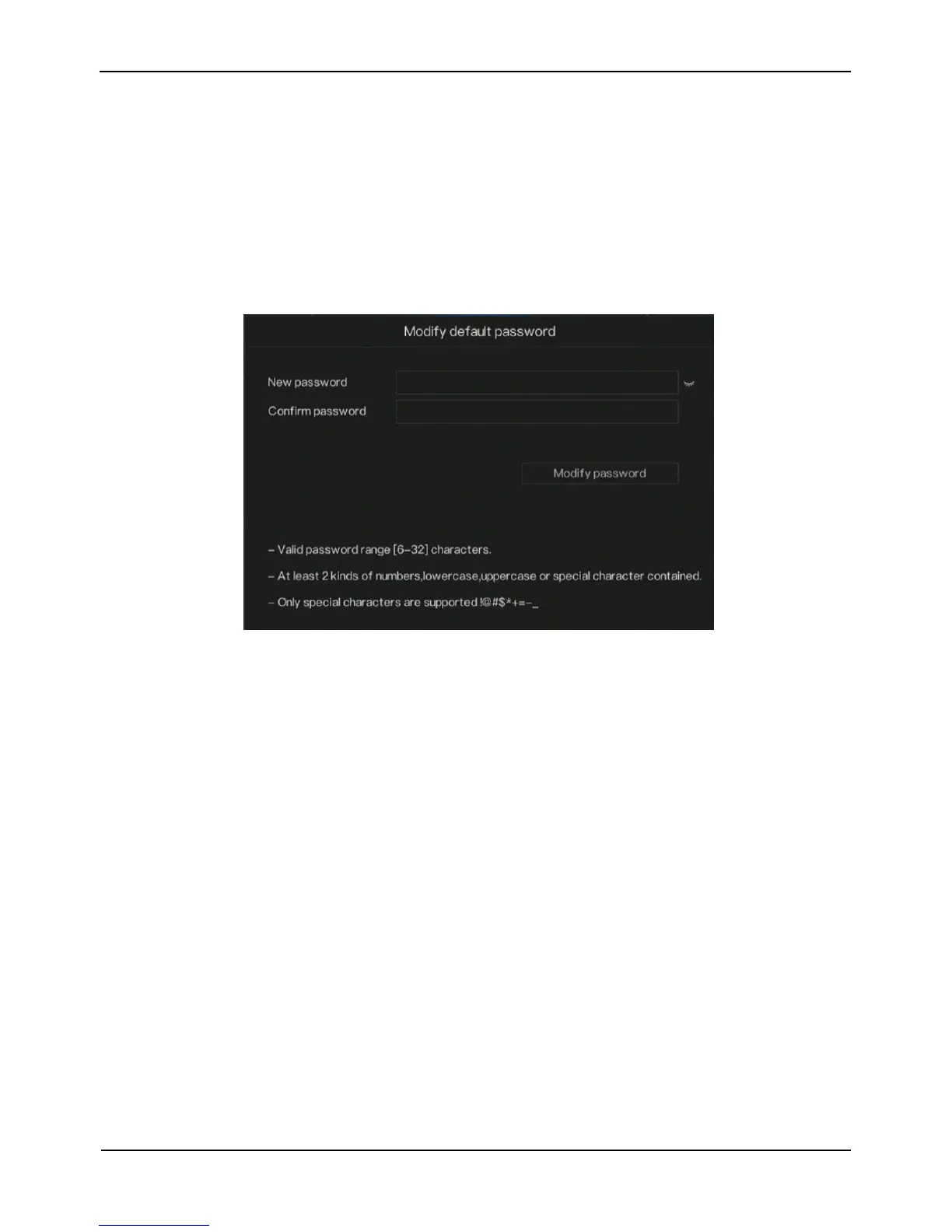
Step 3 Modify the default password.
When you login the system for the first time, the screen is displayed, as shown in
Figure 2-3.
Figure 2-3 Modify the default password screen
Step 4 Input new password and confirm password.
Step 5 Click Modify password to access the main User Interface (UI).
----End
2.4 Add Cameras
After the PoE network interfaces are connected to IP cameras, the NVR automatically
adds the IP cameras.
Figure 2-4 shows the topology of NVR



 To Next Page