7 Alarm Management
Set the general alarm information, motion detection, camera tamper, video loss, alarm
in and device malfunction in alarm management screen.
7.1 General
Operation Description
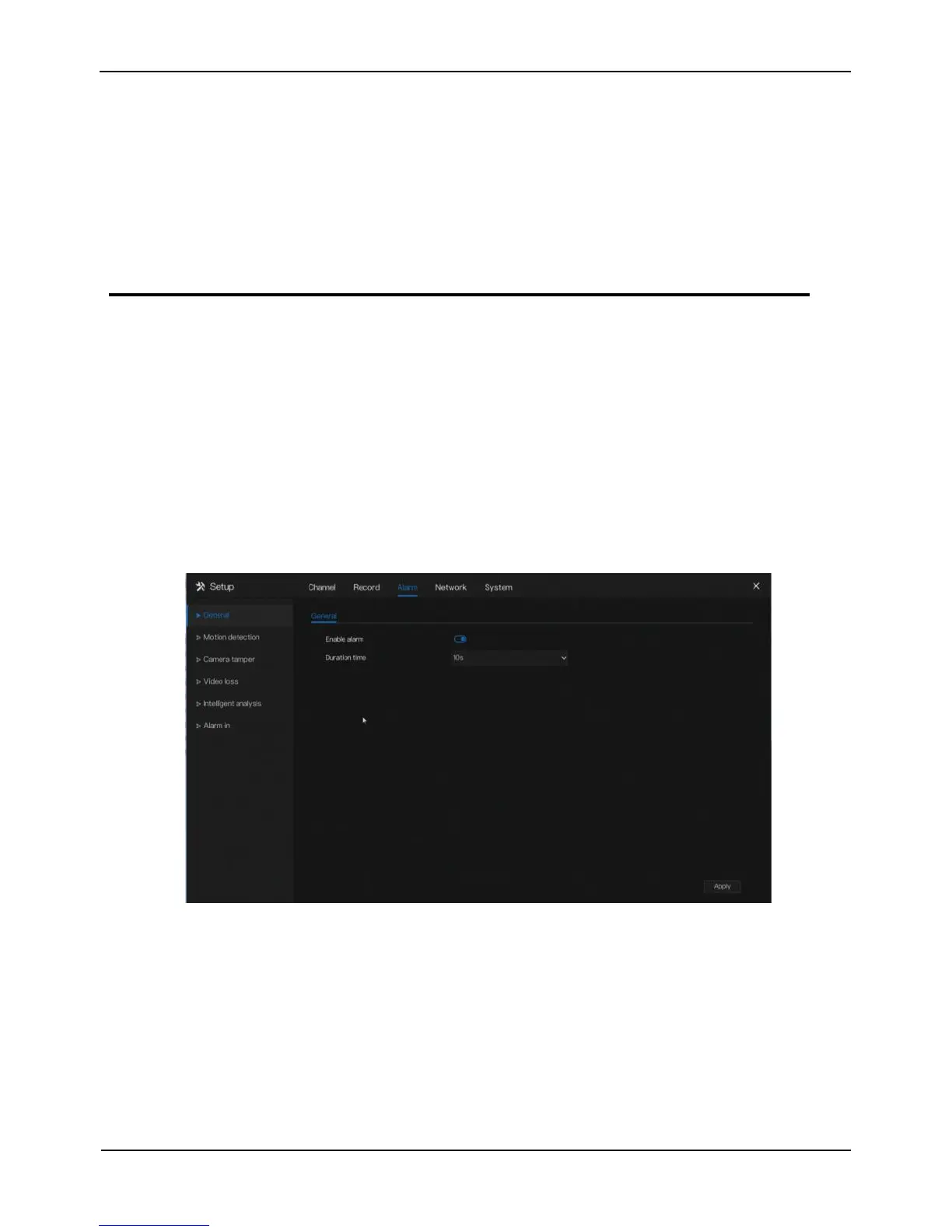
Click Alarm in the main menu (or click the alarm page of any function screen in the
main menu ) to access the alarm management screen, as shown in Figure 7-1.
Figure 7-1 Alarm management screen
Operation Steps
Step 1 Enable the Enable alarm button.
Step 2 Select a value from the drop-down list of duration time.
Step 3 Click Apply to save alarm settings.
----End



 To Next Page