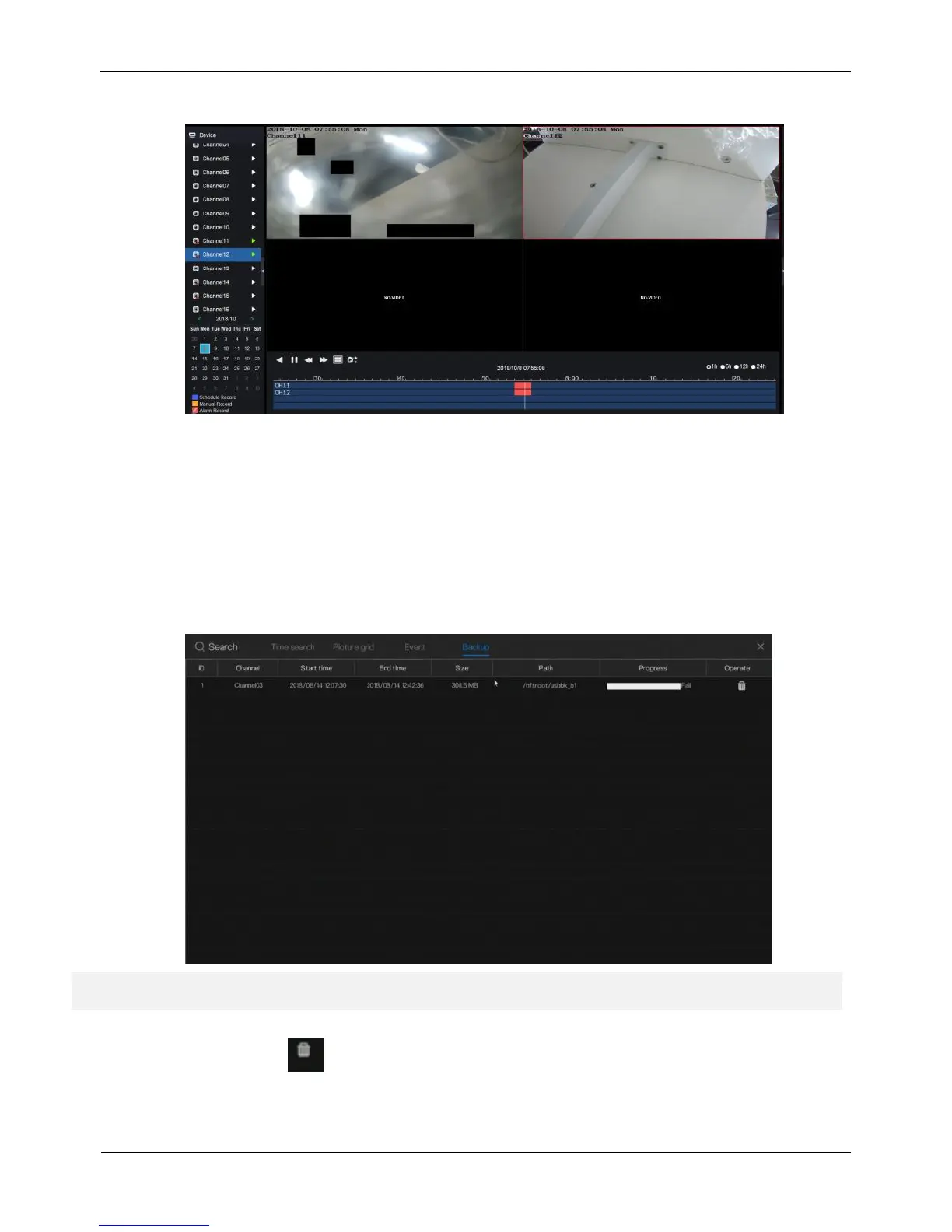
Figure 4-7 Alarm video play screen
----End
4.1.4 Backup
You need to use USB disk. Click Backup page on the playback screen to access the
backup screen, as shown in Figure 4-8.
Figure 4-8 Backup screen
Backup screen shows the backup record information, privacy
Step 2 includes channel, start time, end time, size, path and progress. Click
to delete the backup record information.



 To Next Page