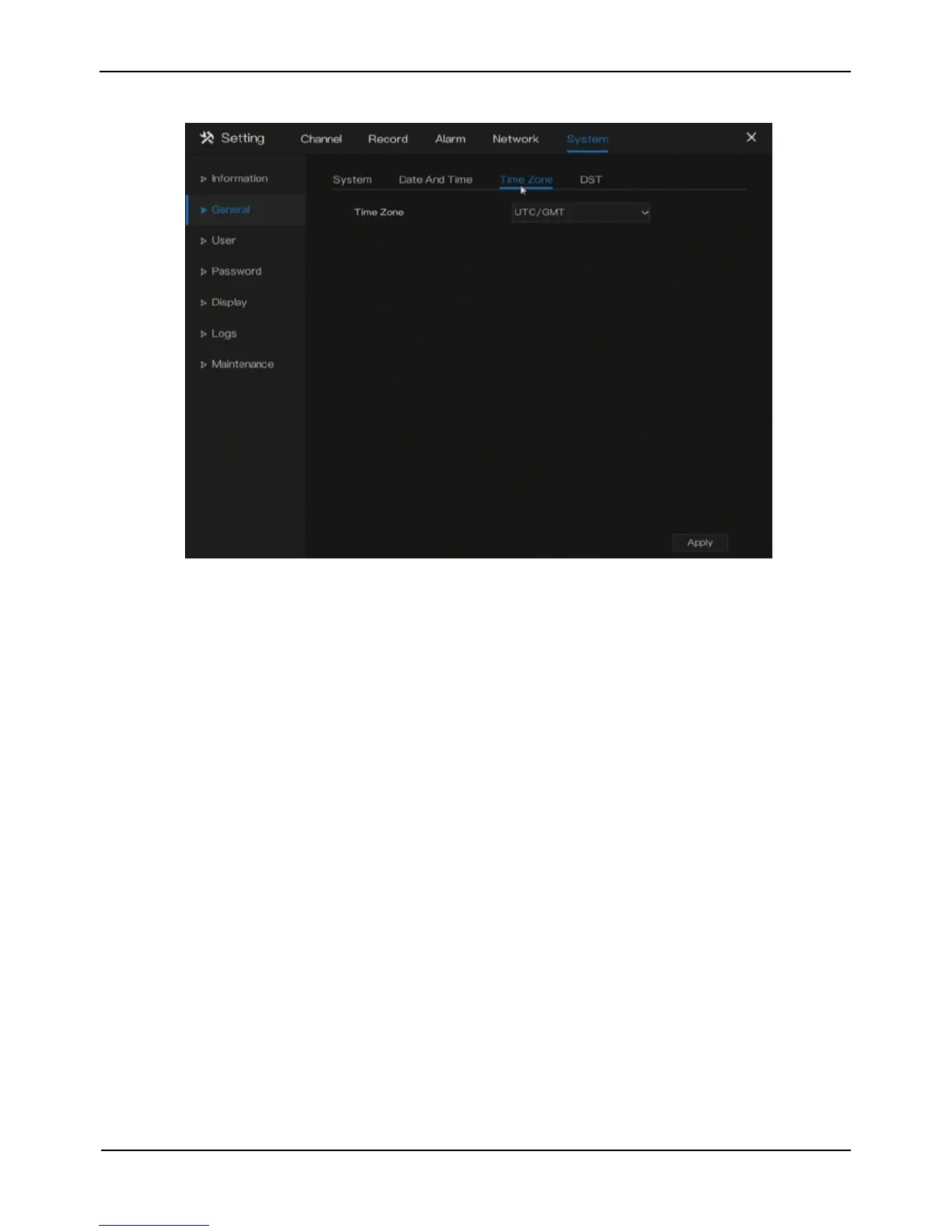
Figure 9-4 Time zone setting screen
Step 2 Select a required time zone from the Time Zone drop-down list.
Step 3 Click Apply to save settings.
----End
9.2.4 DST
When the DST start time arrives, the device time automatically goes forward one hour. When the
DST end time arrives, the device time automatically goes backward one hour.
Operation Steps
Step 1 Click DST page to access the DST setting screen, as shown in Figure 9-5.



 To Next Page