----End
4.1.2 Picture Grid
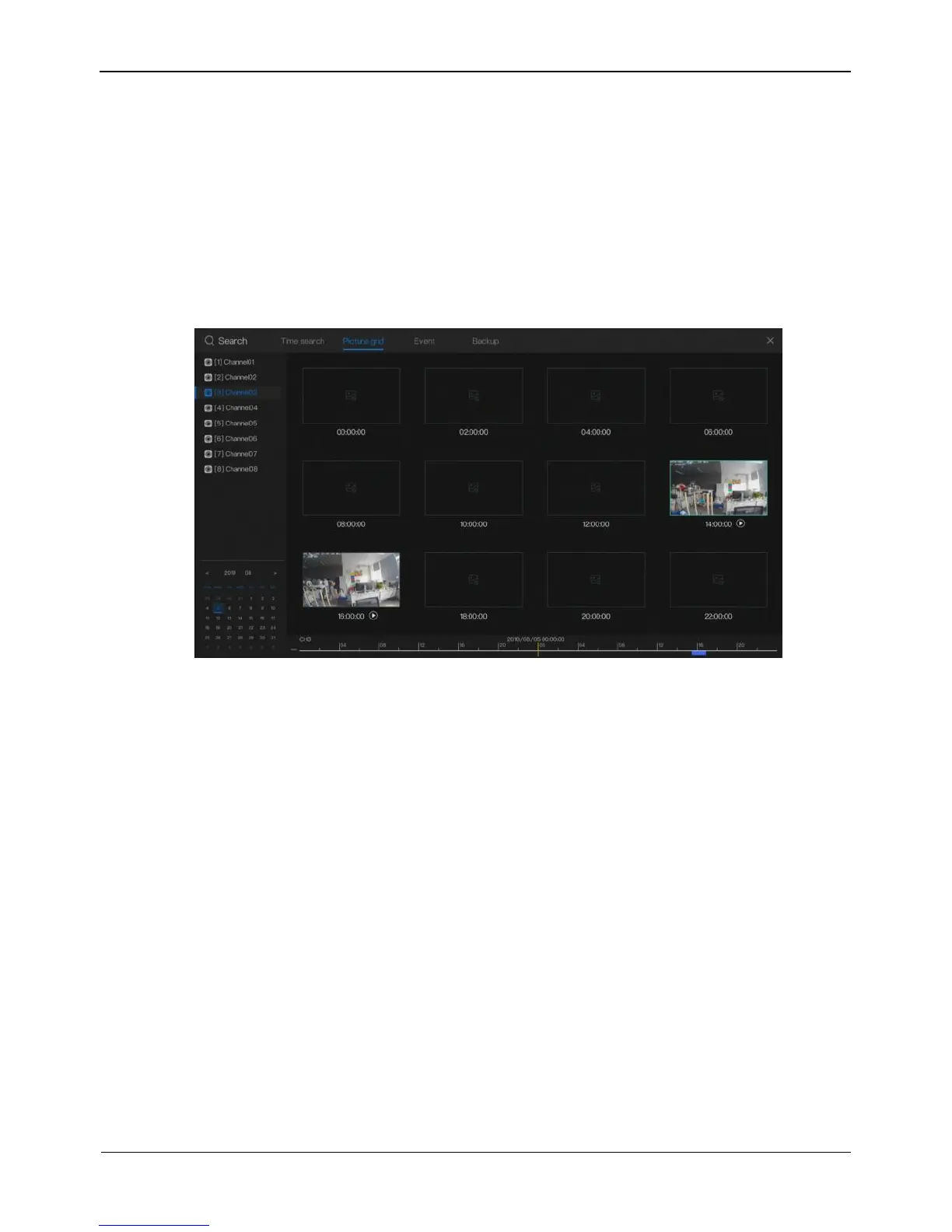
Picture grid means evenly dividing the record of a channel and searching for a record
based on thumbnails divided by time range.
Click Picture Grid page on playback screen, then access the picture grid screen, as
shown in Figure 4-5.
Figure 4-5 Picture grid screen
Operation Steps
Step 1 Select a camera in the camera list on the left side of the picture grid screen.
Records on the current day are displayed as 12 thumbnails at 2-hour intervals in
the right window.
Step 2 Select a record.
1. Select the record you want to playback basing on the time segment and double-
click the record, the record will be displayed as 12 thumbnails at 10-minutes
intervals.
2. Double-click a record again; the record will be displayed as 12 thumbnails at 1
minute intervals.
3. Select a required thumbnail, click Play to play back the record.
4. Right-click the mouse and return to the previous picture grid.
----End



 To Next Page