Step 3 Click the backup button and start to backup, drag the yellow line to
choose video quickly , click the button again, the tip shows backup
video’s information.
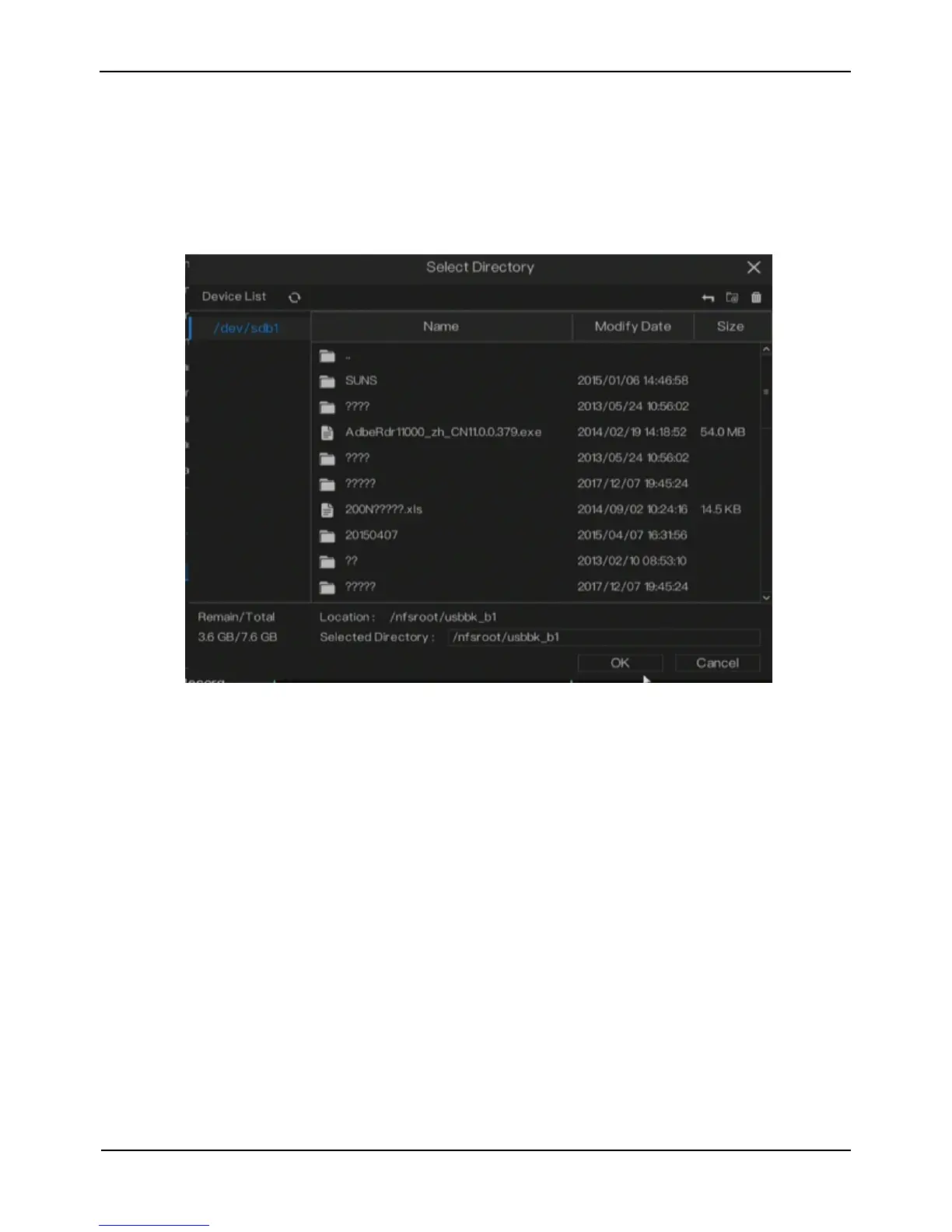
Step 4 Click Save button to backup video, the saving location shows as Figure
4-9
Figure 4-9 Back up directory
Step 5 Click OK button to end the operation.
----End
4.2 Main Menu
Right click on live video. The main menu is displayed, as shown in Figure 4-10. The
main menu includes Channel, Record, Network, Alarm and System Setting. More
detail please refers the later chapters



 To Next Page