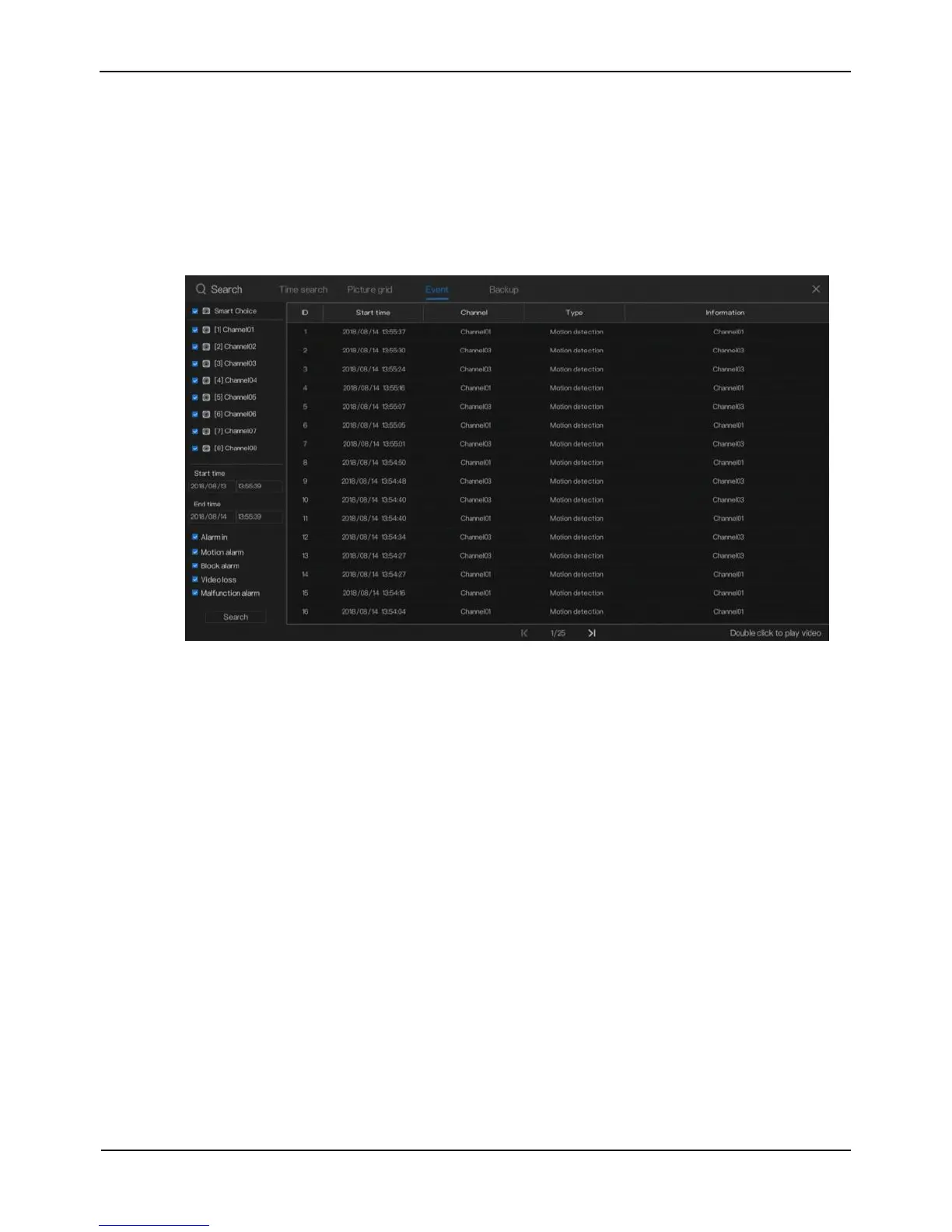
4.1.3 Event
Operation Steps
Step 1 Click Event on the page of the playback screen to access the alarm event screen, as
shown in Figure 4-6.
Figure 4-6 Event screen
Step 2 Select a camera or all cameras on the left side of the Event Center screen.
Step 3 Set the alarm start time and end time on the left side of the Event Center screen.
Step 4 Select the event type below event in the lower right part of the Event Center
screen. All event types are selected by default. You can click one event type to
deselect it.
Step 5 Click Search to query alarm events.
Step 6 Double-click an alarm event to play the alarm video, and double-click again to
return to the event center again, as shown in Figure 4-7.



 To Next Page