: Auto SEQ. Click this button to enable/disable SEQ
: Audio button. By clicking this button, the audio setting screen is displayed,
where you can choose the channel and adjust the volume.
An alarm menu quick toolbar is displayed on the right of NVR floating menu bar. The
alarm menu quick toolbar provides Manual Alarm, Alarm information, NVR
information and Time, as shown in Figure 4-3.
Figure 4-3 Alarm menu quick toolbar
4.1 Playback
Playback means playing back a video.
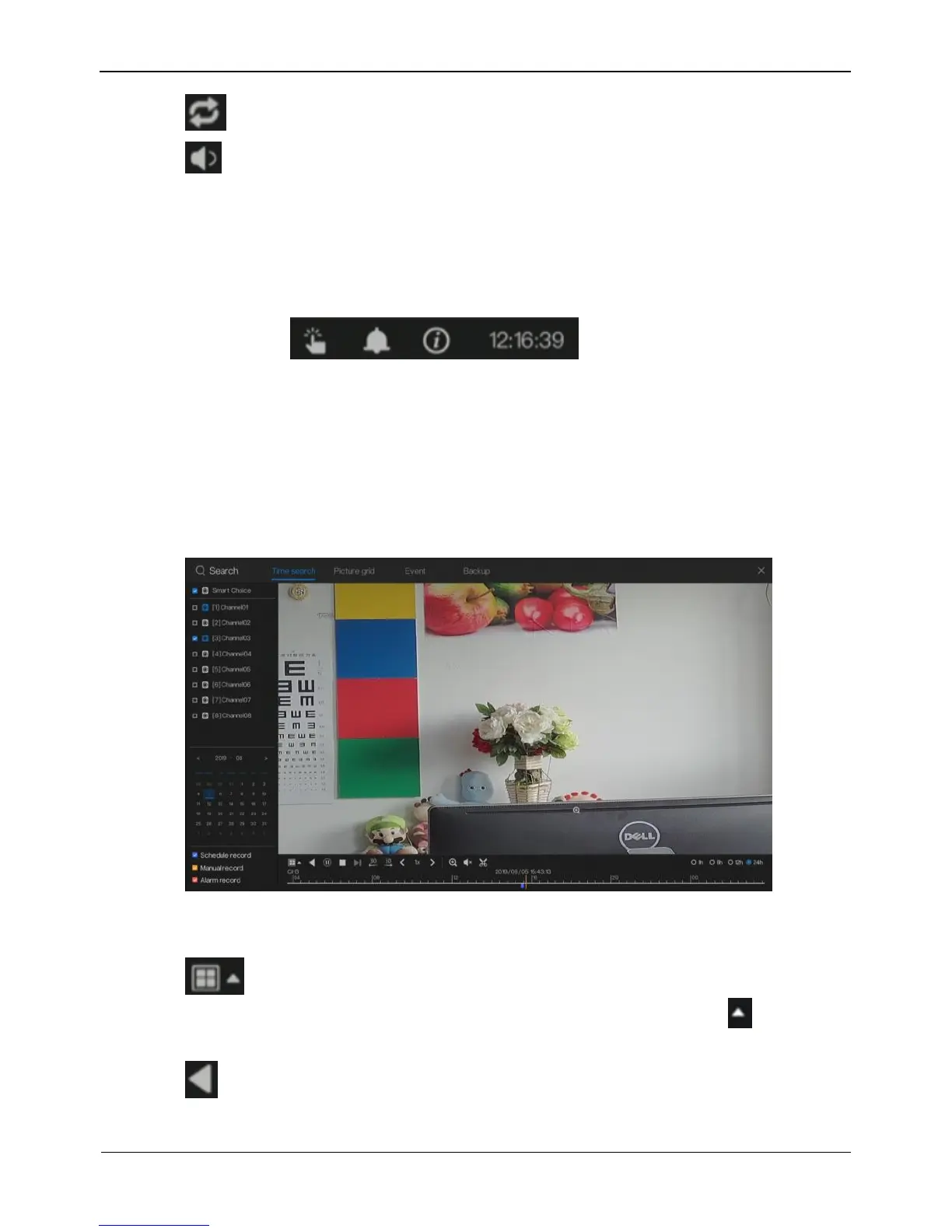
Click Playback in the quick navigation bar to access the playback screen, as shown in
Figure 4-4.
Figure 4-4 Playback screen
The toolbar at the bottom of the playback screen is described as follows:
: Layout button. By clicking this button, the record playback window is
switched between the single-screen mode and multi-screen mode. Click on the
right of screen splitting format and choose the layouts to playback the record.
: Previous video



 To Next Page