8 Network Management
Set the network parameter, port, DDNS, E-mail, four P, P2P and IP filter in the network
management screen.
Operation Description
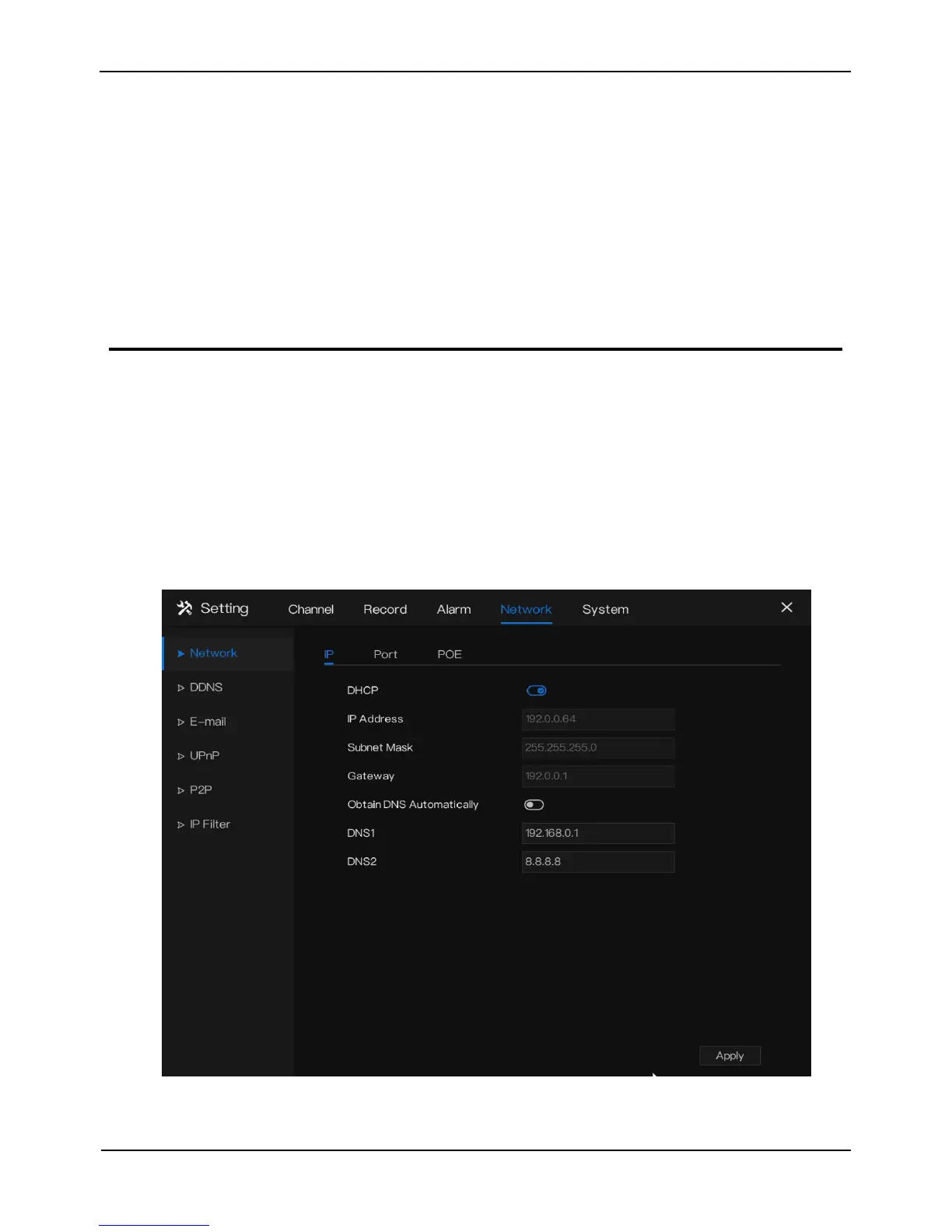
Click Network in the main menu (or click the network page of any function screen in
the main menu ) to access the network management screen, as shown in Figure 8-1.
Figure 8-1 Network management screen
8.1 Network
Set DHCP and DNS manually or automatically.



 To Next Page