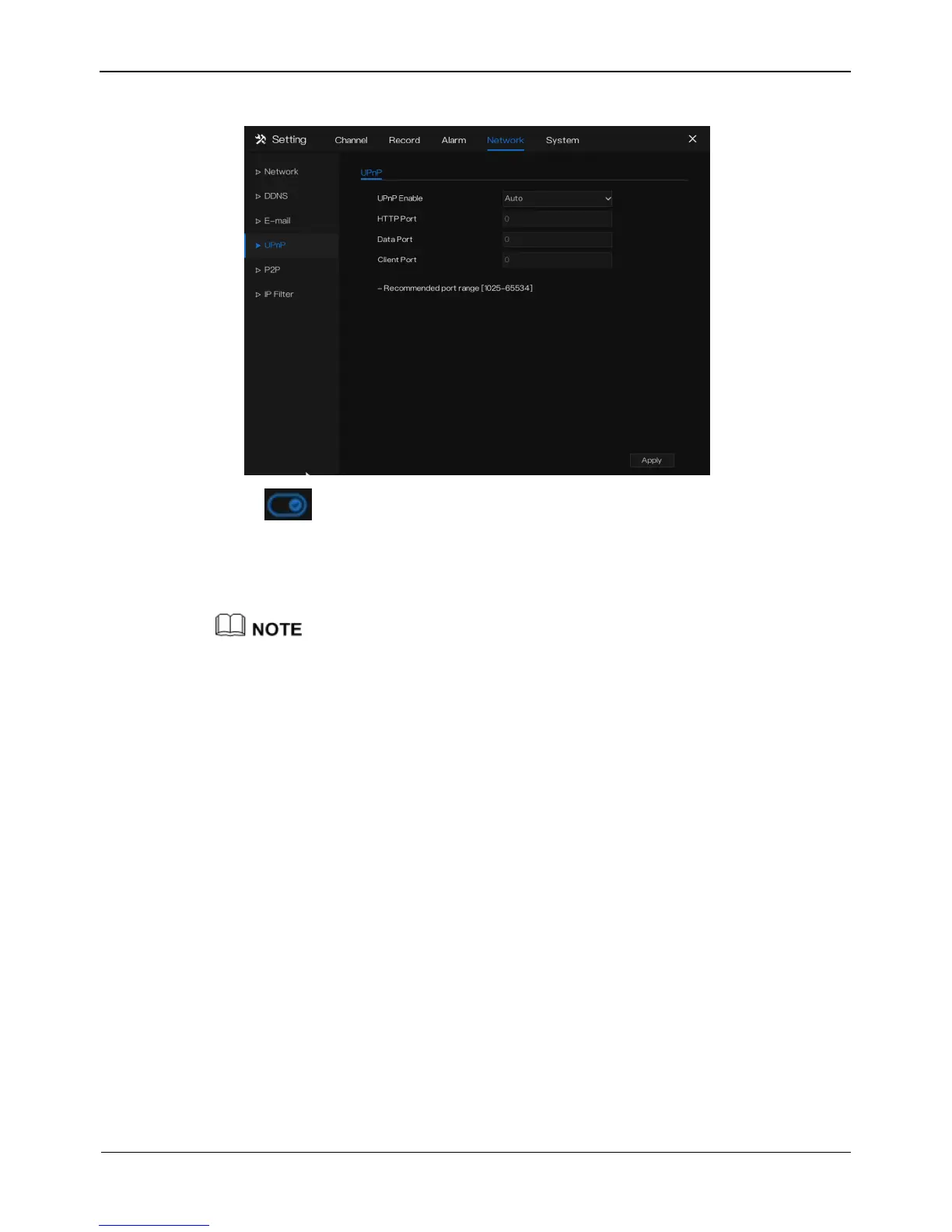
Figure 8-6 UPnP setting screen
Step 2 Click next to UPnP to enable or disable the function of UPnP. The
function is enabled by default.
Step 3 After UPnP is disabled, set the web port, data port and client port manually.
Step 4 Click Apply to save settings.
After UPNP button is enabled, system perform UPnP automatically.
If UPnP is disable, need to forward the ports by manually on router.
----End
8.5 P2P
Show the UUID code and set the P2P status of the device.
Operation Steps
Step 1 Click P2P in the main menu or menu of the network management screen and
choose P2P to access the P2P screen, as shown in Figure 8-7.



 To Next Page