2 Basic Operations
2.1 Power on the Device
Ensure that the NVR is correctly connected to a power supply, and a display is
correctly connected to the high definition multimedia interface (HD-OUT) or video
graphics array (VGA) port of the NVR before power-on.
In some environments, abnormal power supply may cause the failure of the NVR to
work properly and even damage the NVR in severe cases. It is recommended to use
a regulated power supply to power the NVR in such environments.
After the NVR is connected to a power supply, the power indicator is steadily on. Start
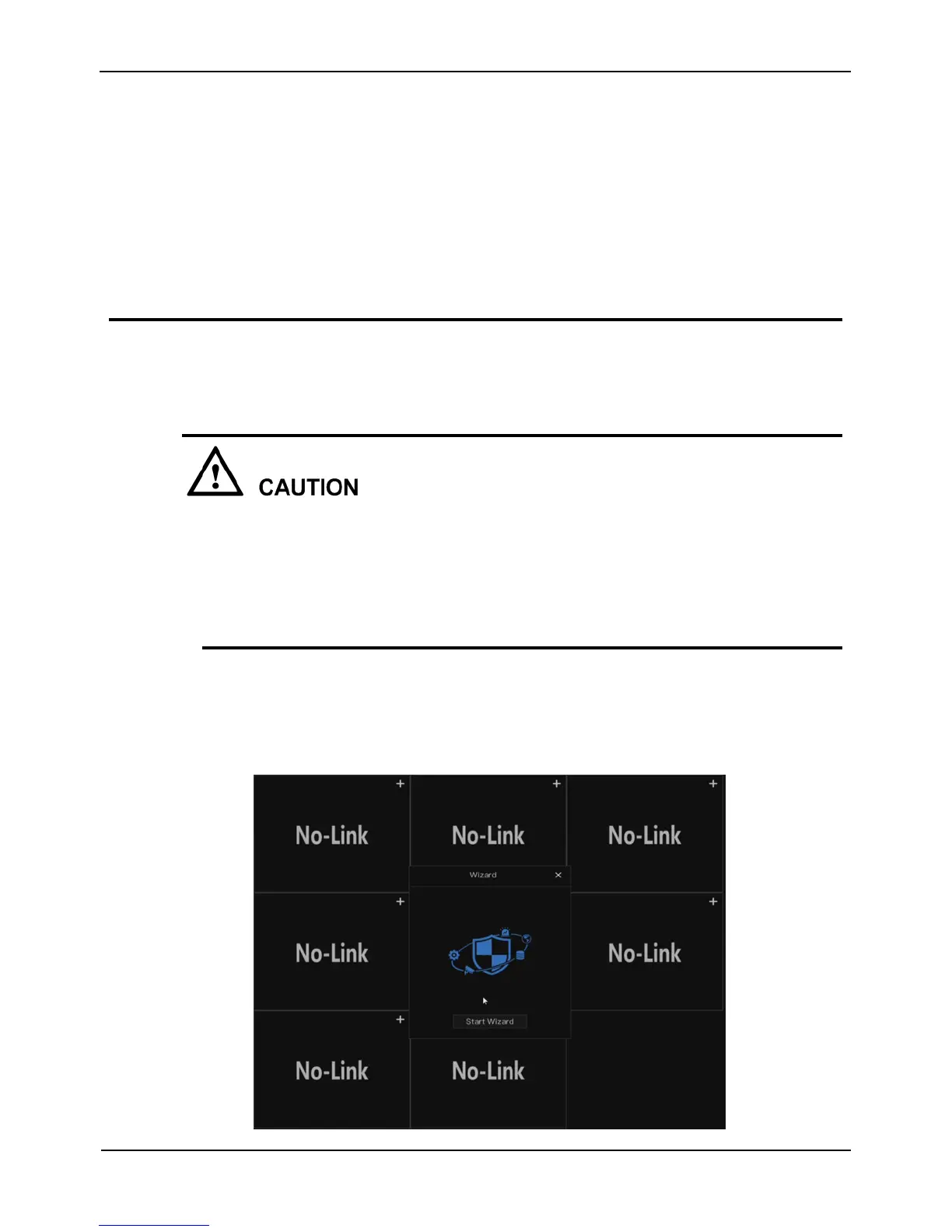
the NVR. The real-time video screen is displayed, as shown in Figure 2-1.
Figure 2-1 Real-time video screen



 To Next Page