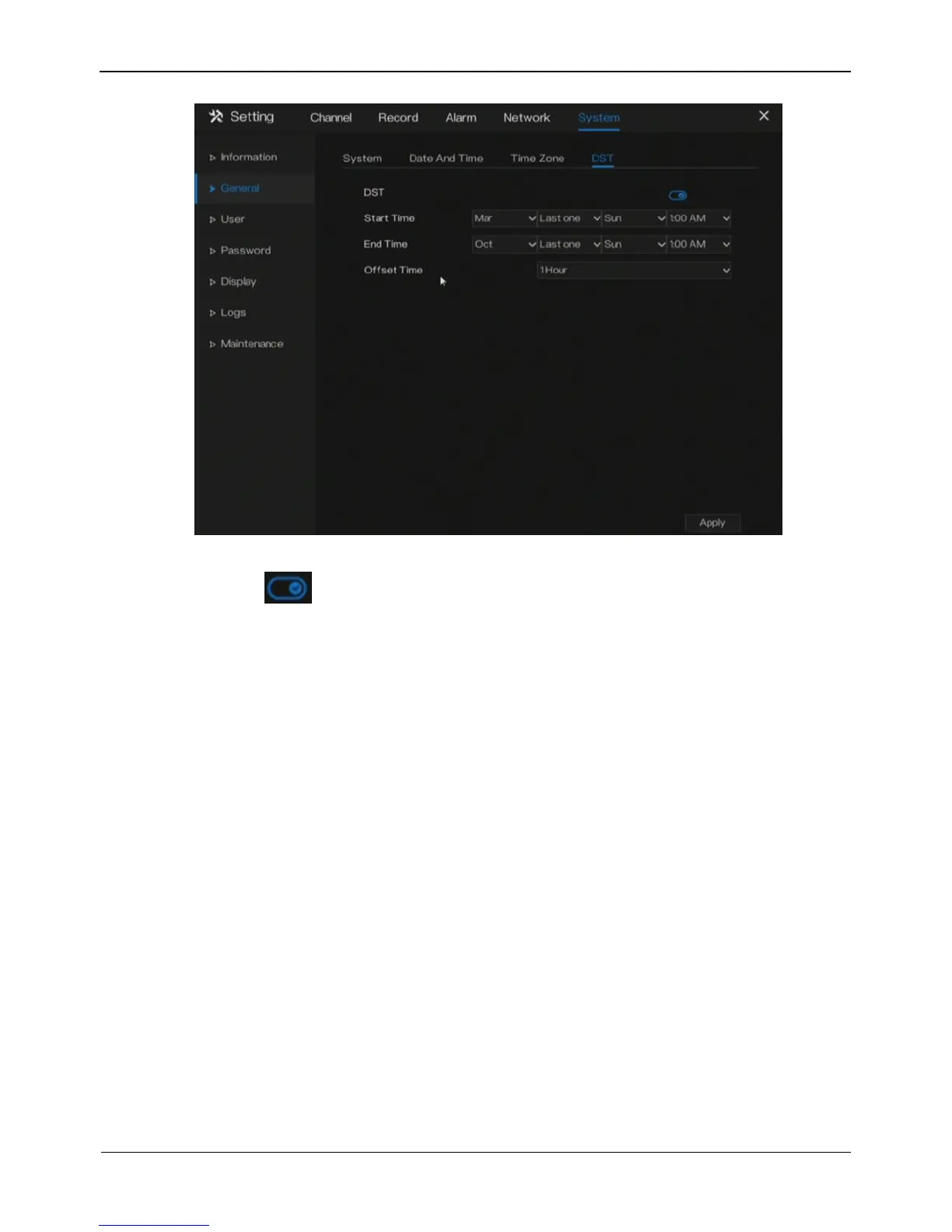
Figure 9-5 DST setting screen
Step 2 Click next to DST to enable DST.
Step 3 Select start time, end time, offset time from the drop-down list respectively.
Step 4 Click Apply to save settings.
----End
9.3 User
Add, modify, and delete a user and privilege in user screen.
9.3.1 User
Operation Steps
Step 1 Click User in the main menu or menu of the system management screen and
choose User to access the user screen, as shown in Figure 9-6.



 To Next Page