8.1.3 PoE
Operation Steps
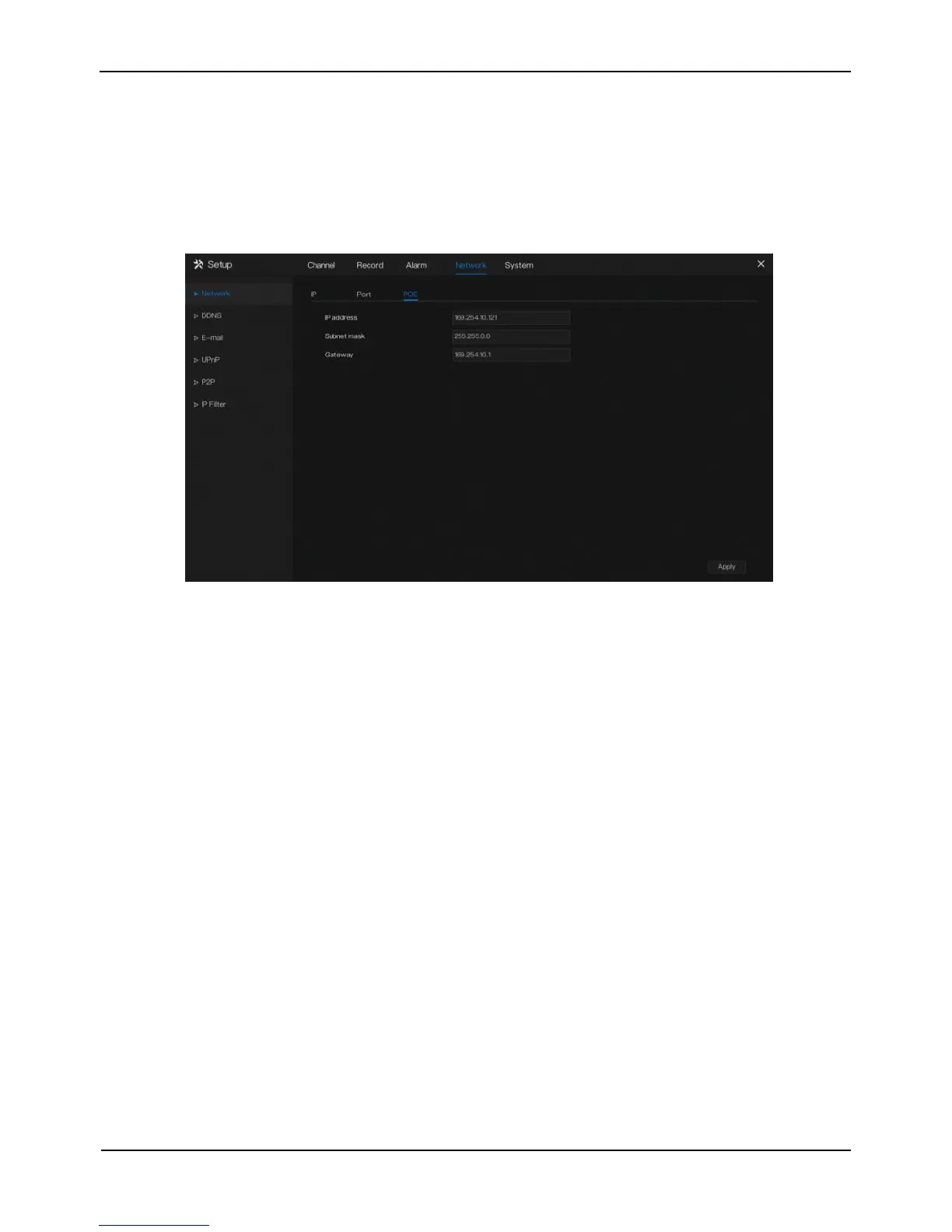
Step 1 Click POE page to access the poe setting screen, as shown in Figure 8-3.
Figure 8-3 POE setting screen
Step 2 Set the IP address, subnet mask and gateway manually.
Step 3 Click Apply to save port settings.
----End
8.2 DDNS
Please make sure of connecting the specified camera to the Internet, and obtain the user
name and password for logging into the dynamic domain name system (DDNS) from
the server.
Operation Steps
Step 1 Click DDNS in the main menu or menu of the network management screen and
choose DDNS to access the DDNS screen, as shown in Figure 8-4.



 To Next Page