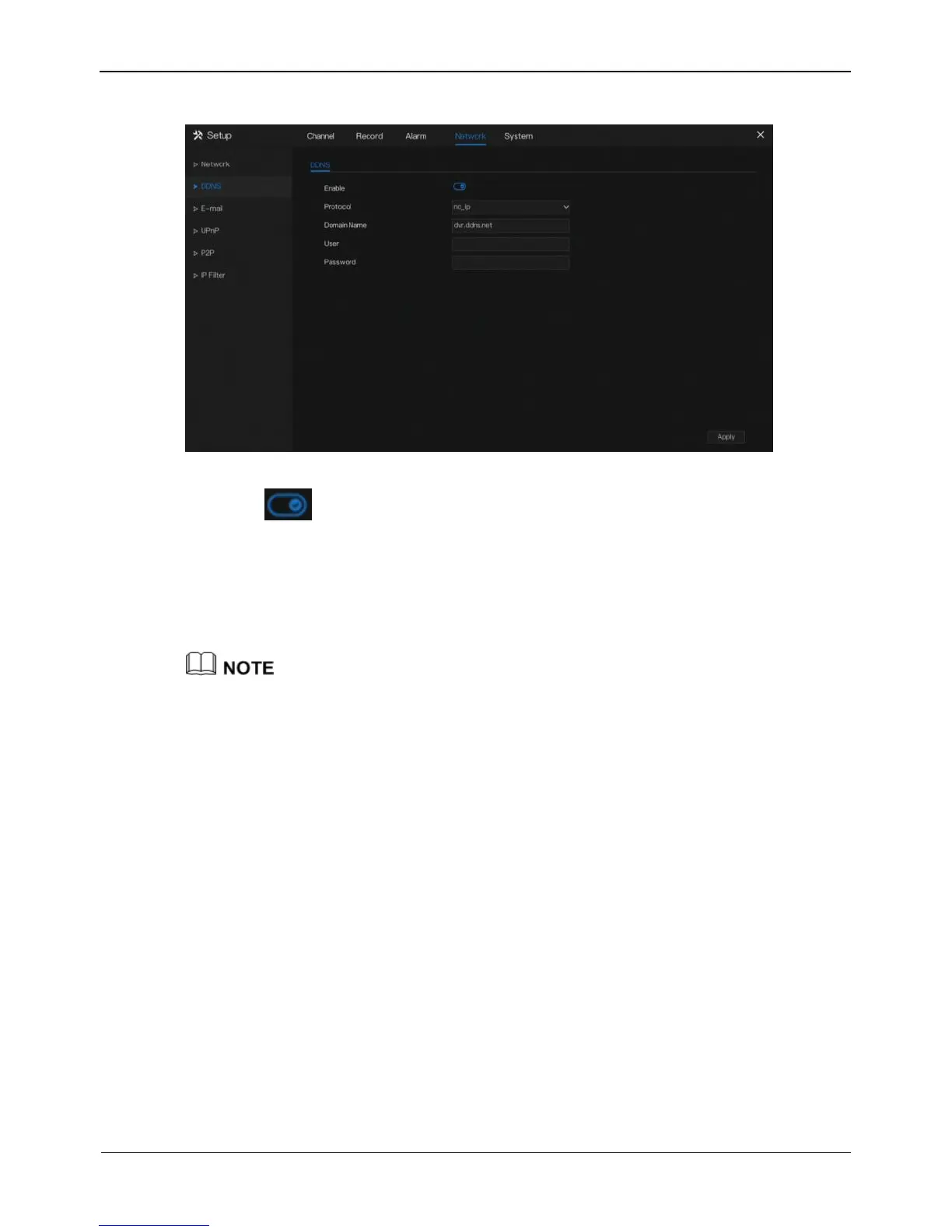
Figure 8-4 DDNS setting screen
Step 2 Click next to Enable to enable the DDNS function. It is disabled by default.
Step 3 Select a required value from the protocol drop-down list.
Step 4 Set domain name.
Step 5 Set the DDNS account and password.
Step 6 Click Apply to save DDNS network settings
An external network can access the NVR via an address which is specified in the DDNS
settings.
----End
8.3 E-mail
If the simple mail transfer protocol (SMTP) function is enabled, the device
automatically sends alarm information to specified email addresses when an alarm is
generated.
Operation Steps
Step 1 Click E-mail in the main menu or menu of the network management screen and
choose E-mail to access the E-mail screen, as shown in Figure 8-5.



 To Next Page