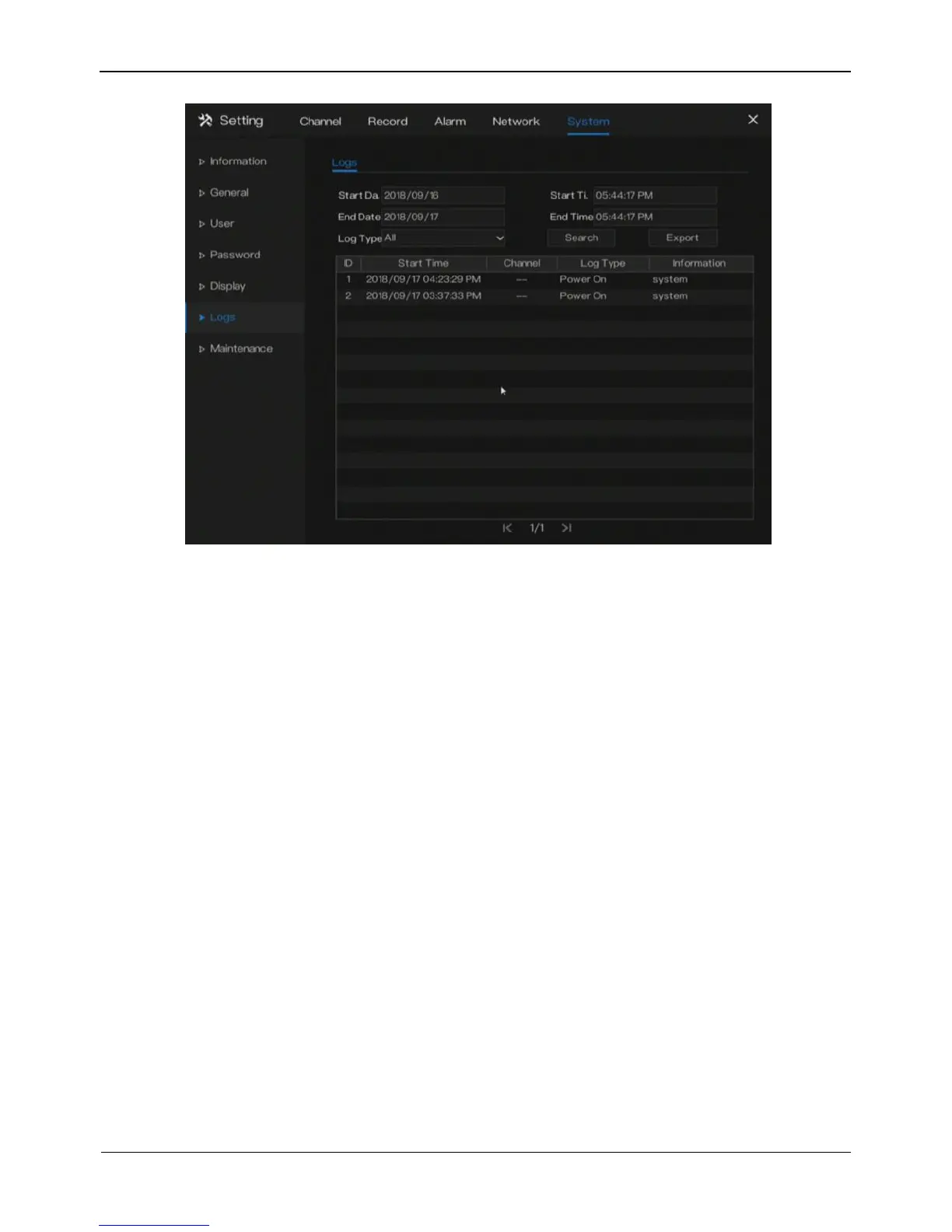
Figure 9-11 Log screen
Step 2 Set the logs start date, end date, start time and end time on log screen.
Step 3 Select logs type from the drop-down list.
Step 4 Click Search to query logs.
Step 5 Click Export to export logs to local disk or USB storage..
----End
9.7 Maintenance
Operation Steps
Step 1 Click Maintenance in the main menu or menu of the system management screen
and choose Maintenance to access the maintenance screen, as shown in Figure 9-
12.



 To Next Page