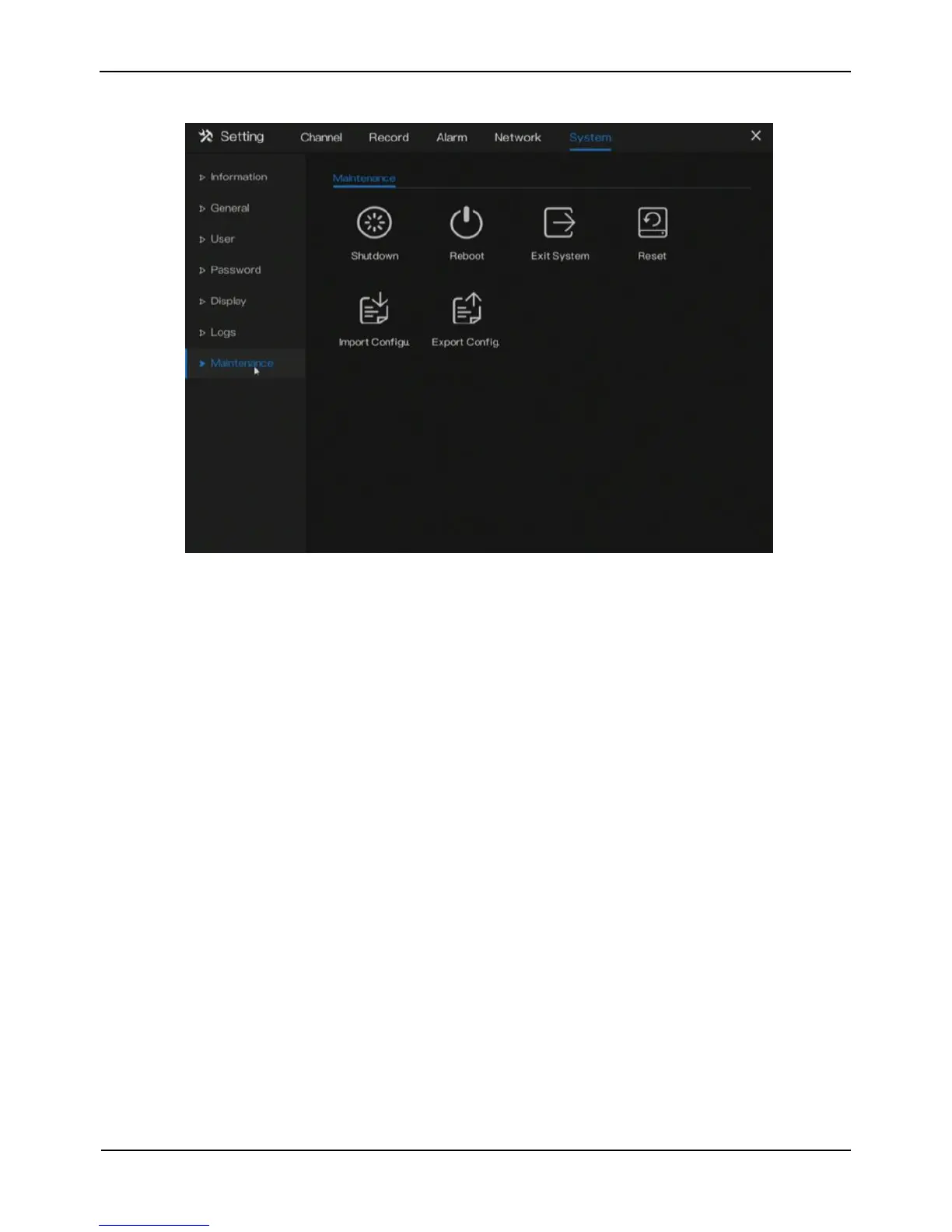
Figure 9-12 Maintenance screen
Step 2 Click Shutdown , Reboot , Exit system or Reset to operate NVR if you need.
Step 3 The tip will show on screen, click ok to ensure choice.
Step 4 Click Import Config to import the configuration.
Step 5 Click Export Config to export the configuration.
----End



 To Previous Page