6 Record Management
Set the record schedule and view the disk capacity in record screen.
6.1 Record Schedule
Operation Description
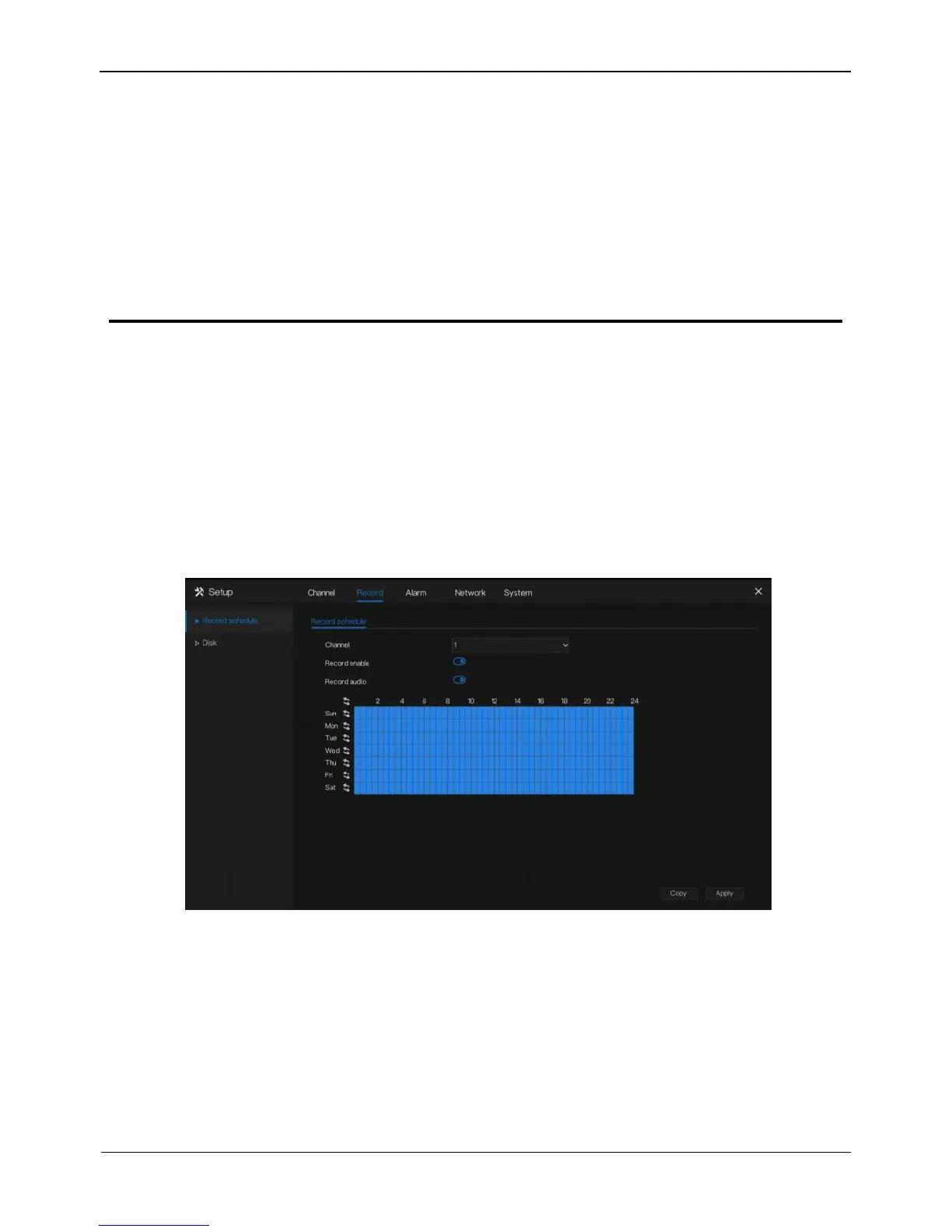
Click Record in the main menu or click the record page of any function screen in the
main menu to access the record schedule screen, as shown in Figure 6-1.
Figure 6-1 Record management screen
Operation Steps
Step 1 Select a channel from the drop-down list of channel.
Step 2 Enable the record enable.
Step 3 Enable the record audio.
Step 4 Set the record schedule.Hold down the left mouse button, drag and release
mouse to select the arming time within 00:00-24:00 from Monday to Sunday.



 To Next Page