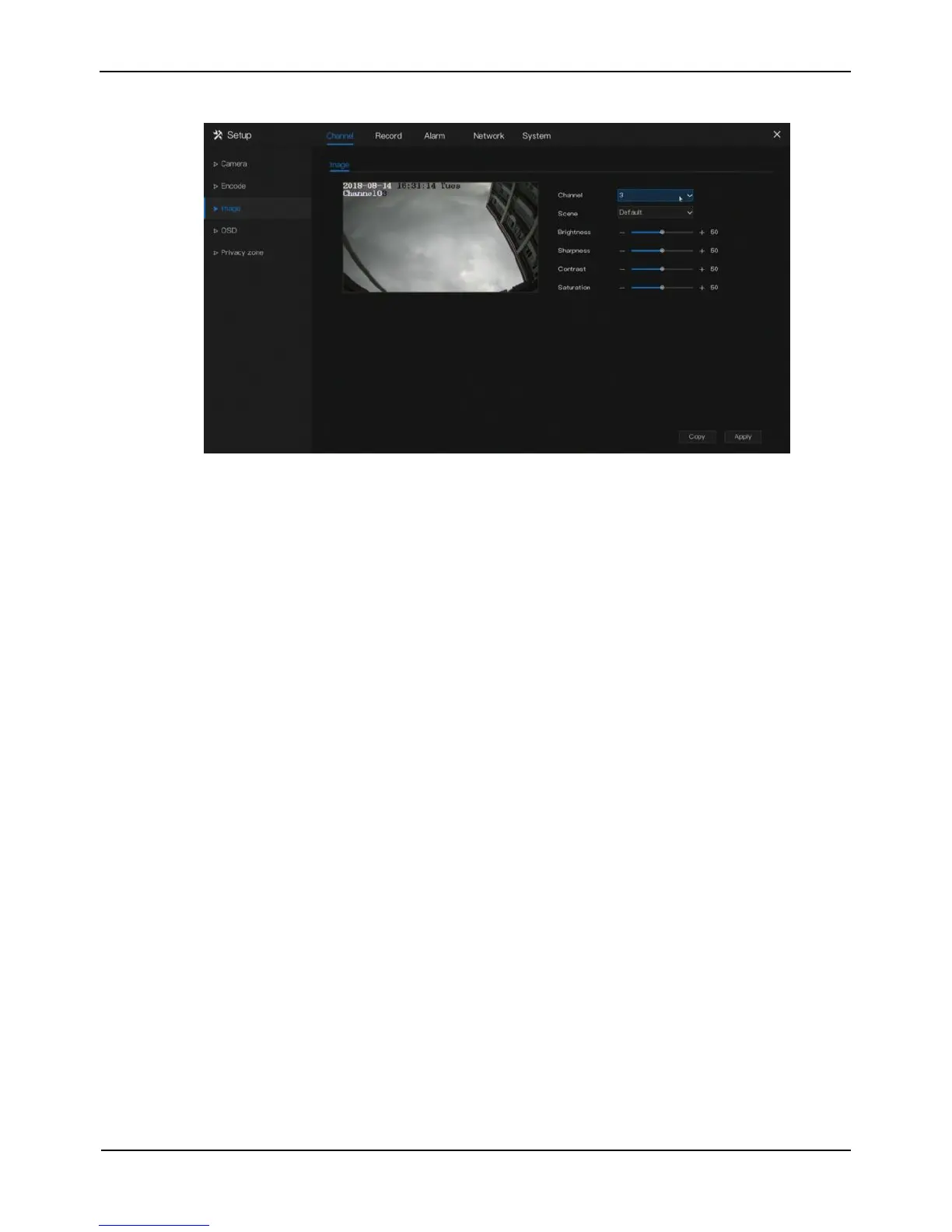
Figure 5-5 Image screen
The image parameters are described as follows:
Brightness: picture brightness.
Sharpness: picture clarity.
Contrast: picture transparency.
Saturation: brilliance of the picture color.
Operation Steps
Step 1 Select a channel from the drop-down list of channel.
Step 2 Select scene from the drop-down list. The default values of picture parameters
vary with scenarios.
Step 3 Set the camera brightness, contrast, saturation, and sharpness.
Step 4 Click Copy and select channels, then click OK to apply the image settings to
cameras in selected channels , click Apply to save image settings.
----End
5.4 OSD Settings
Click OSD in the main menu or menu of the channel management screen and choose
OSD to access the OSD screen, as shown in Figure 5-6.



 To Next Page