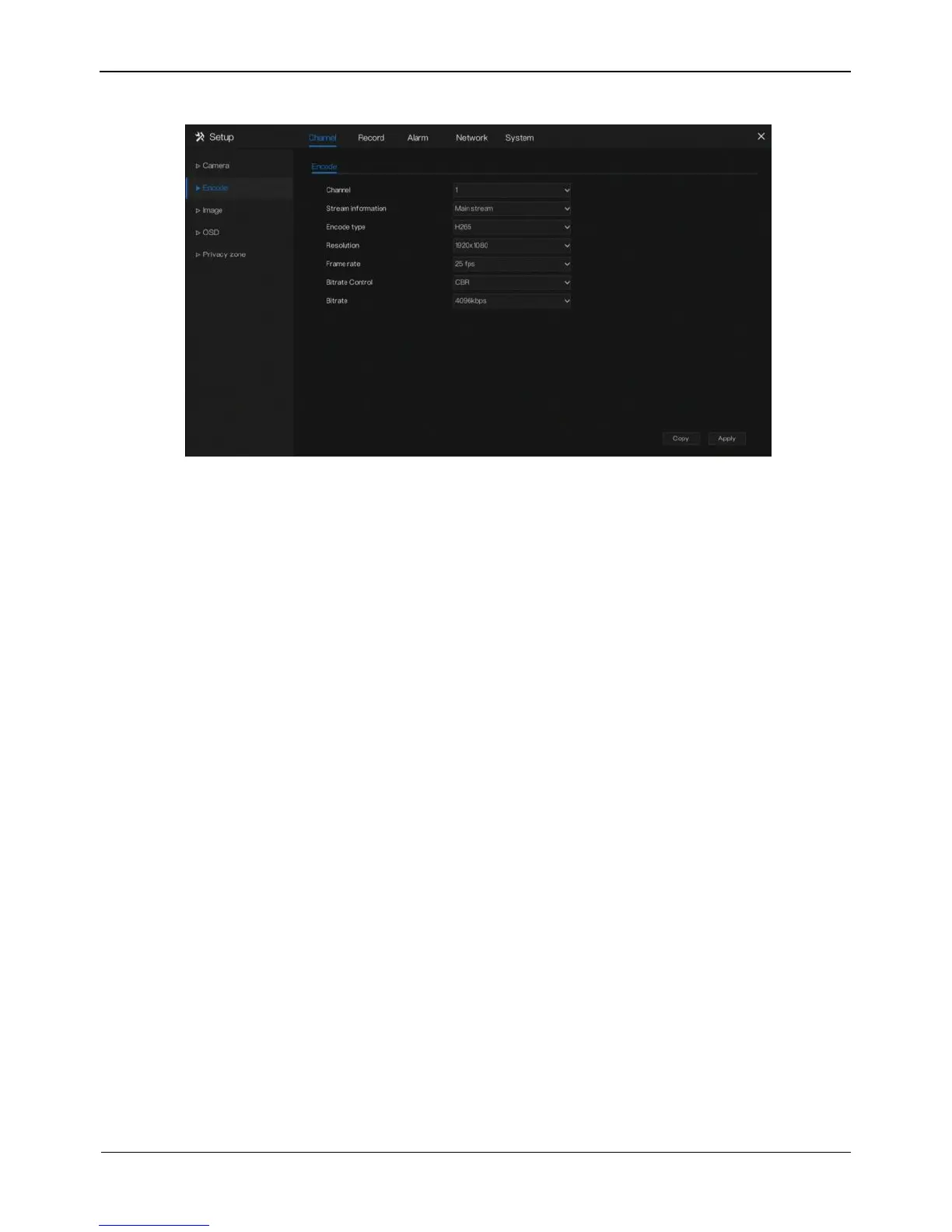
Figure 5-4 Encode screen
Operation Steps
Step 1 Select a channel from the drop-down list of channel.
Step 2 Select stream information.
Step 3 Select encode type, resolution, frame rate, bitrate type and bitrate size from the
drop-down lists.
Step 4 Click Copy and select channels, then click OK to apply the parameter settings
to cameras in selected channels , click Apply to save encode parameter settings.
----End
5.3 Image Parameter
Image parameters refer to basic attributes of a picture, including the brightness,
sharpness, contrast and saturation. You can set picture parameters for each channel
based on scenarios.
Operation Description
Click Image in the main menu or click menu of the channel management screen and
choose Image to access the image screen, as shown in Figure 5-5.



 To Next Page