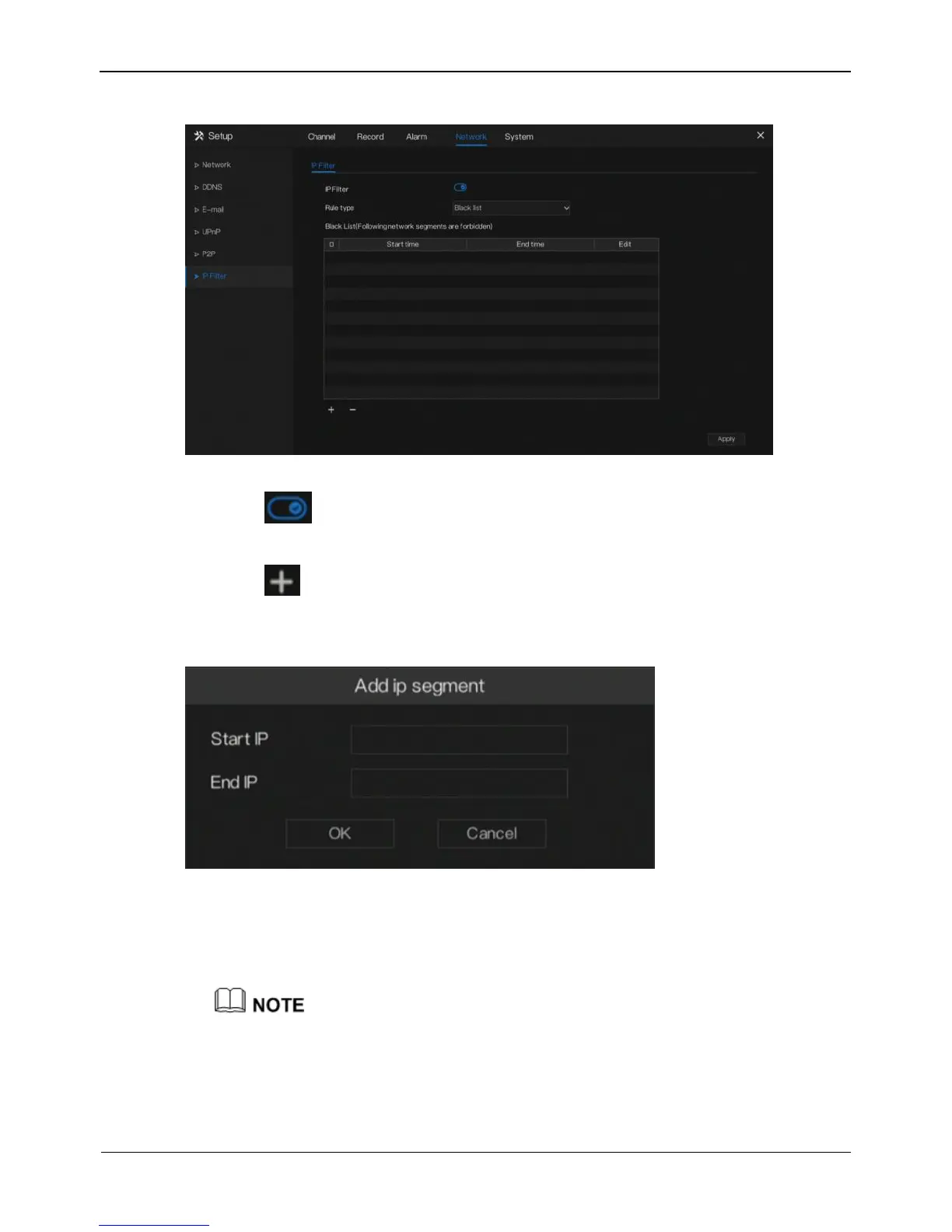
Figure 8-8 IP Filter setting screen
Step 2 Click next to IP Filter to enable the function of IP Filter.
Step 3 Select a required value from the Rule Type drop-down list.
Step 4 Click to set black &white list IP segment screen is displayed, as show in
Figure 8-9.
Figure 8-9 IP Address Segment screen
Step 5 Enter value manually for start IP address, end IP address.
Step 6 Click OK. The system saves the settings. The black and white lists IP segment
listed in the black (white) list.



 To Next Page