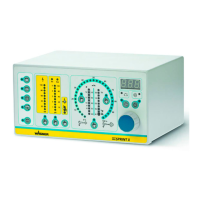
48
EPG-SPRINT X
EPG
SPRINT X
0
%
100
%
kV
80
60
40
20
100
Tri Cor
5
4
3
2
1
120
80
40
20
10
10
20
30
40
50
60
70
80
90
Ø
12
10
11
9
8
m /h
2.0
3.0
0.5
0.3
0.1
1.5
3
5.5
4.5
3.5
2.5
Tri
μA
EPG
SPRINT X
0
%
100
%
kV
80
60
40
20
100
Tri Cor
5
4
3
2
1
120
80
40
20
10
10
20
30
40
50
60
70
80
90
Ø
12
10
11
9
8
m /h
2.0
3.0
0.5
0.3
0.1
1.5
3
5.5
4.5
3.5
2.5
Tri
μA
P_01754
28
1
19
24
27
OPERATING MANUAL
VERSION 06/2014 ORDER NUMBER DOC2329371
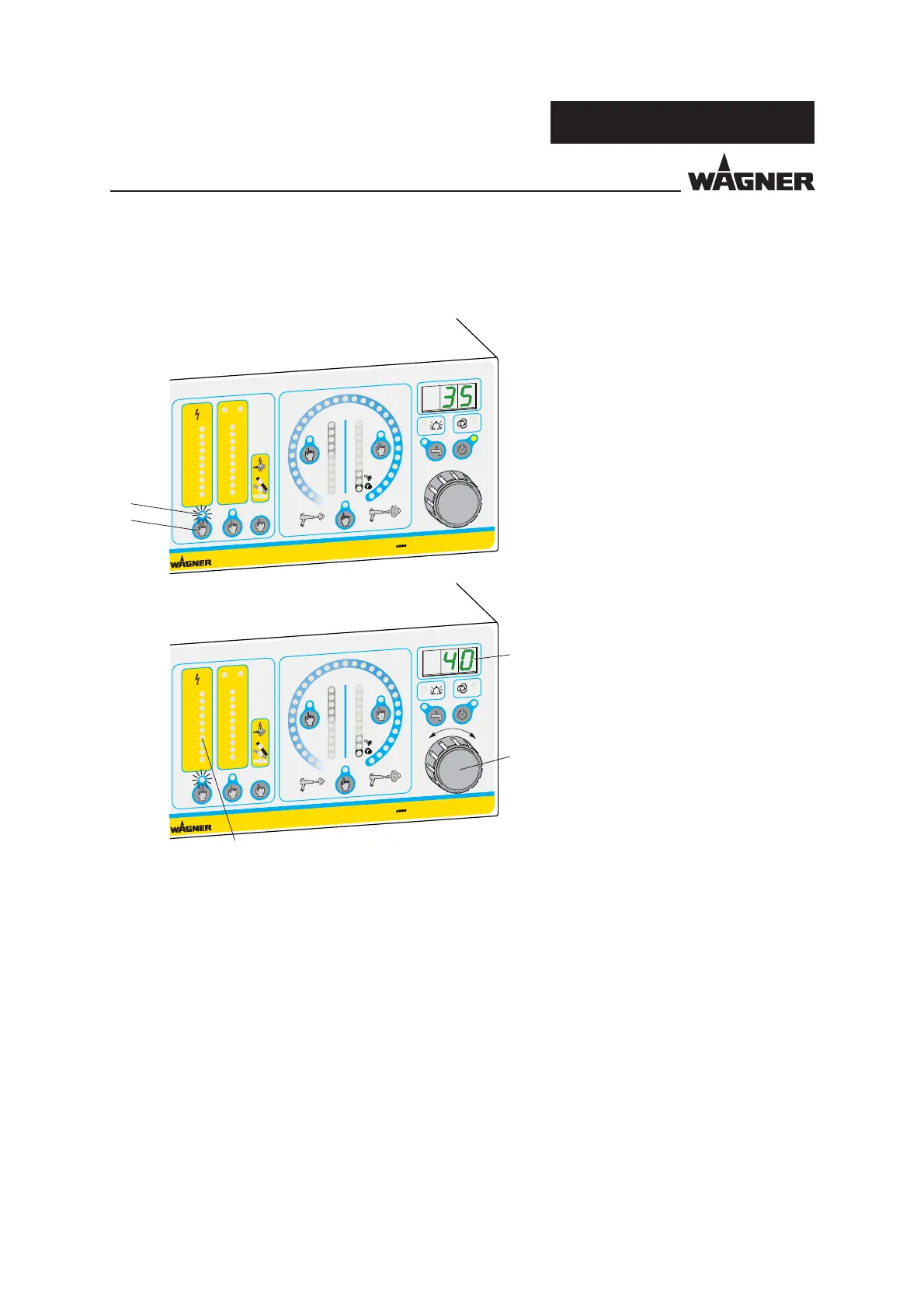
7.7.4 SETTING THE HIGHVOLTAGE
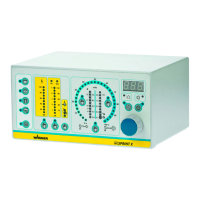
Above the "High-voltage" button 27 is the "High-voltage" bar graph display 1. When the
control unit is in the ready position, this display shows the set point as a dot and, when
high-voltage is switched on, it shows the actual value as a bar.
The high-voltage can be adjusted between 10-100 kV as described above. If this value is
further reduced from a value of 10 kV, the word "o " appears in the LED display 19 to
signal that the high-voltage is deactivated. The high-voltage generation is not therefore
activated when the powder feed is switched on.
Procedure:
1. Press the "High-voltage" button 27
to adjust the high-voltage.
The yellow LED 28 indicates that
high-voltage is selected.
2. The high-voltage can now be
adjusted using the universal rotary
controller 24 between 10 kV - 100kV
with a resolution of 1 kV. The value
is shown in the LED display 19.


 To Next Page
 Loading...