102
Programme unit
Press .
Enter the new four-digit
password.
Once the correct password
has been entered, the display
will show and SELECT.
Once the correct password
has been entered, the display
will show and SELECT.
SELECT
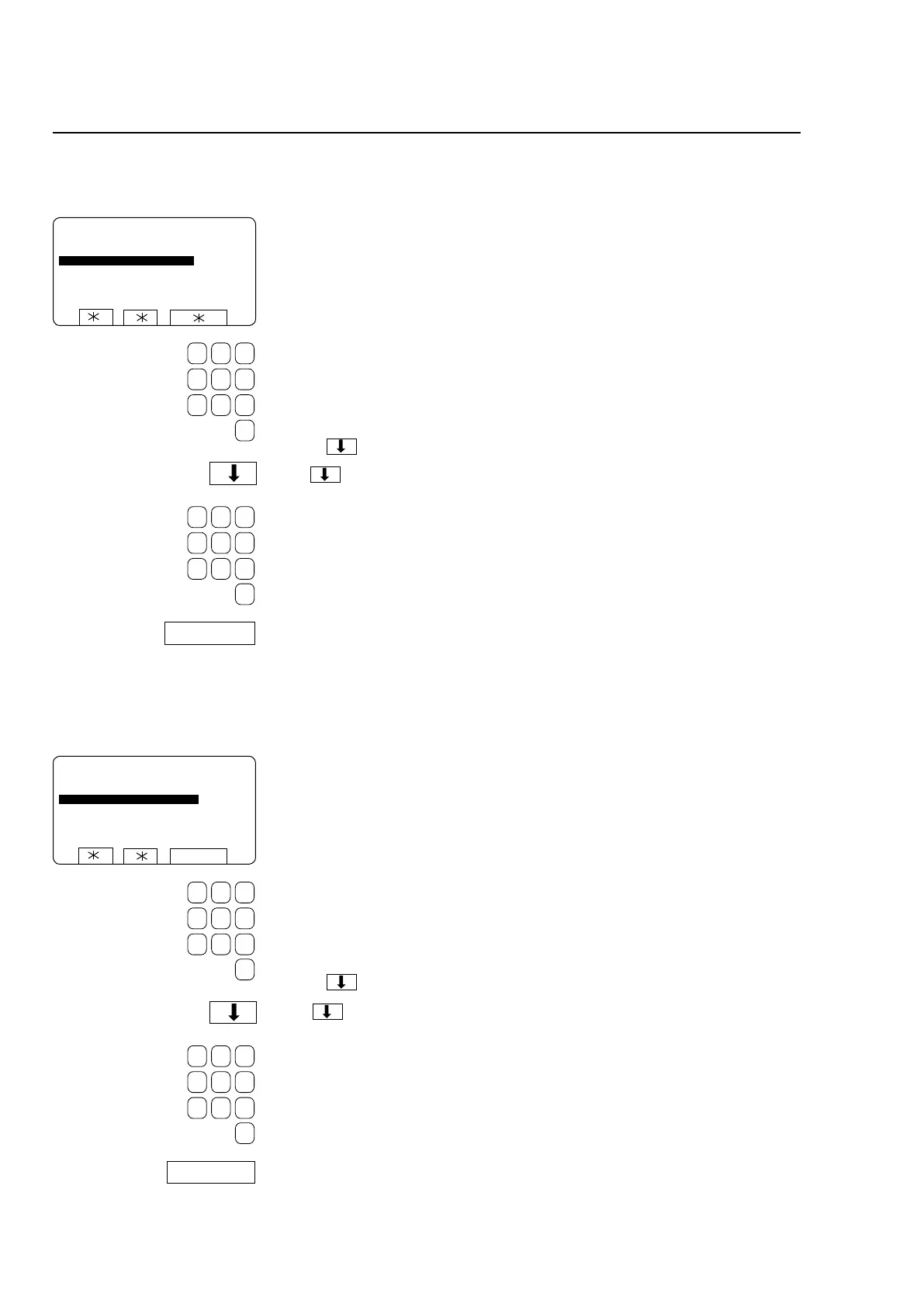
PLEASE ENTER YOUR PASSWORD: 0
ENTER NEW PASSWORD:
Enter your four-digit pass-
word.
Press SELECT.
To change the password
To remove the password protection
Press .
Enter four noughts (0000).
SELECT
PLEASE ENTER YOUR PASSWORD: 0
ENTER NEW PASSWORD:
SELECT
Enter your four-digit pass-
word.
Press SELECT.
SETTINGS 1
SETTINGS 1







 To Next Page