101
Programme unit
Password set or not set
In Configuration 1, it is possible to select whether or
not to use a password.
If the password is not used, the password explana-
tions can be disregarded.
SELECT
Press SELECT.
ENTER NEW PASSWORD: 0
SELECT
SELECT
SETTINGS 1
Once the correct password
has been entered, the
display will show and
SELECT.
SETTINGS 1
Press SELECT.
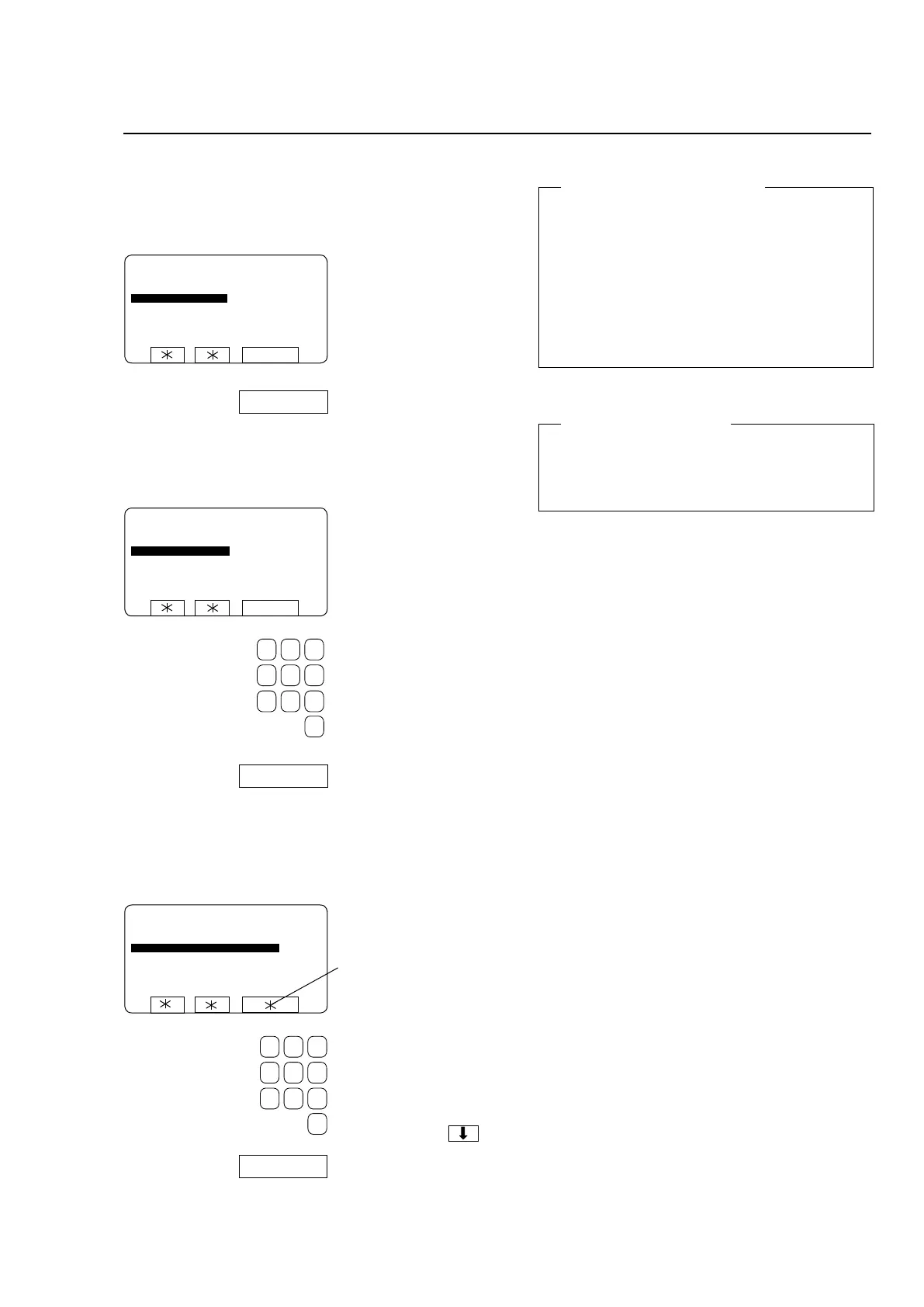
To open the function using a password
Password
To open the function without a password
ENTER NEW PASSWORD: 0
SELECT
SELECT
SETTINGS 1
PLEASE ENTER YOUR PASSWORD : 0
ENTER NEW PASSWORD:
Use the numeric keys to
enter your four-digit pass-
word.
Press SELECT.
To enter a password the first time
Password protection or not?
It is for you to decide whether or not the functions
SETTINGS 1 and PROGRAMMING will be pass-
word-protected.Pleasenotethatifyoudodecide
to implement password protection for either of
them, then access to both these functions will be
by means of the same password.
The password consists of any four digits, chosen
by you.
At any time you can change this password, or
remove password protection from these functions.
Enter a password consis-
ting of any four digits.
If the function has already
beenpassword-protected,
you will see an asterisk here
instead of the word SELECT.







 To Next Page