26
Troubleshooting
Errors with no error codes
This section includes troubleshooting charts for errors for which no error
code is generated.
Errors with error codes
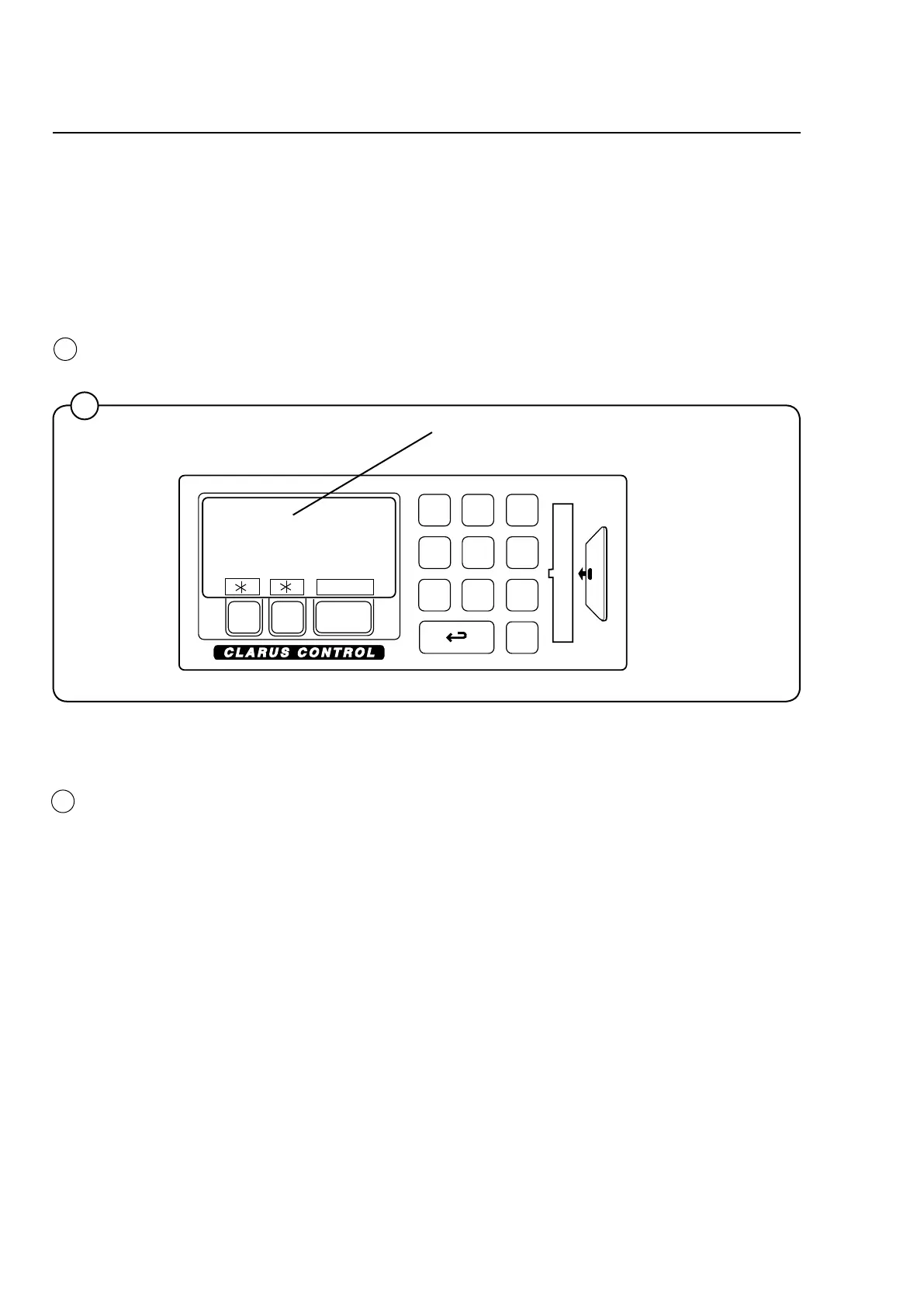
Error indication
Programme or machine errors are indicated by an alarm text in the display
window.
1
Alarm text
1
Resetting an error indication
Error indications can be reset in two different ways:
• BypressingSTART,theerrormaybetemporarilyreset.Themachine
then continuous the programme that was already started. If the error
code remains, the error will come back at once.
• Bypressingathe error is reset and the started programme is can-
celled.
Error codes
A brief summary of all error codes and the possible cause for each error
is presented below. Troubleshooting charts for all errors are presented on
the following pages.
1
4221







 To Next Page