155
Programme unit
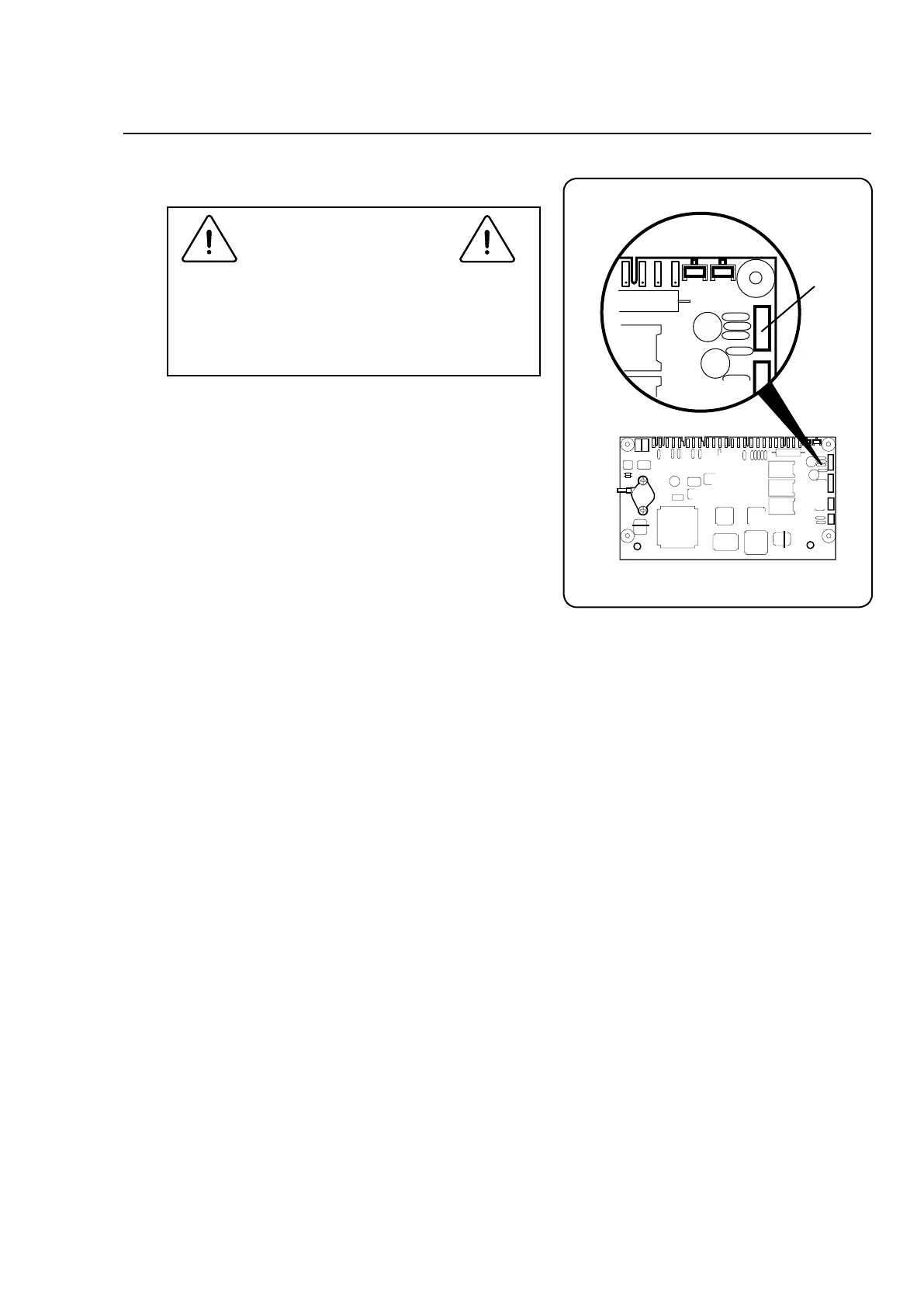
To replace an I/O board
The procedure described here is for machi-
nes with more than one I/O board. On
machines with only one I/O board, that
board can be replaced without any need for
this procedure.
If there is more than one I/O circuit board, the
processor must know whether the new circuit
board is I/O board 1, I/O board 2 or I/O board 3:
For this you need:
• APCservicetool(ELSCST),includingdown-
loading cables.
• APCwhichcorrespondstosystemrequire-
mentsforthePC-tool.
Instructions:
• LaunchELSCSTandselectClarusControl,
Service and Configuration.
• PressF1(Help)tohaveinstructionshowto
connect to the timer.
• SelectI/Oboardadressandfollowonscreen
instructions how to set the I/O board adress.
6673, 6677
X7
CPU circuit board







 To Next Page