Waves eMotion LV1 Classic User Guide | Chapter 1: Mixer
Window Window
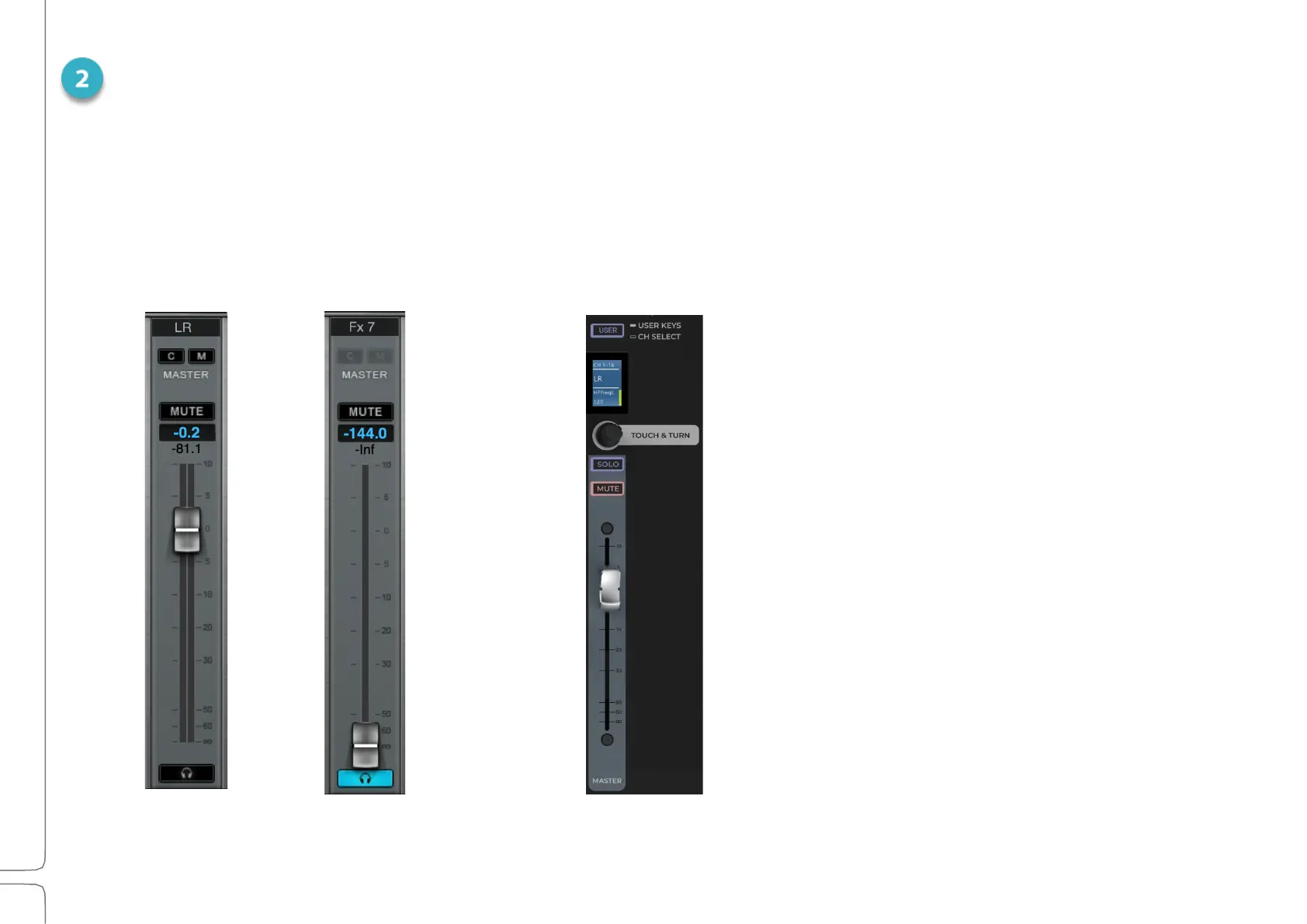
The master fader controls the overall output level. Like the channel strip faders, it includes a fader, meter,
mute, and cue. When sends-on-faders is used, the master fader controls the Aux channel.
The Master fader on the fader bank controls the Master Fader in the touchscreen and is the same except
for the layout. Its meter is displayed in the scribble strip.
Master Fader
Main out L/R
Send on faders
AUX channel in or out
Channel Select/User Assignable Keys toggle
Sets the function of the button at the top of each
channel.
Touch and Turn
Quickly map this knob to one control for instant
access.



 To Next Page