USER MANUAL – WebdynSunPM
Version 2.05
préliminaire
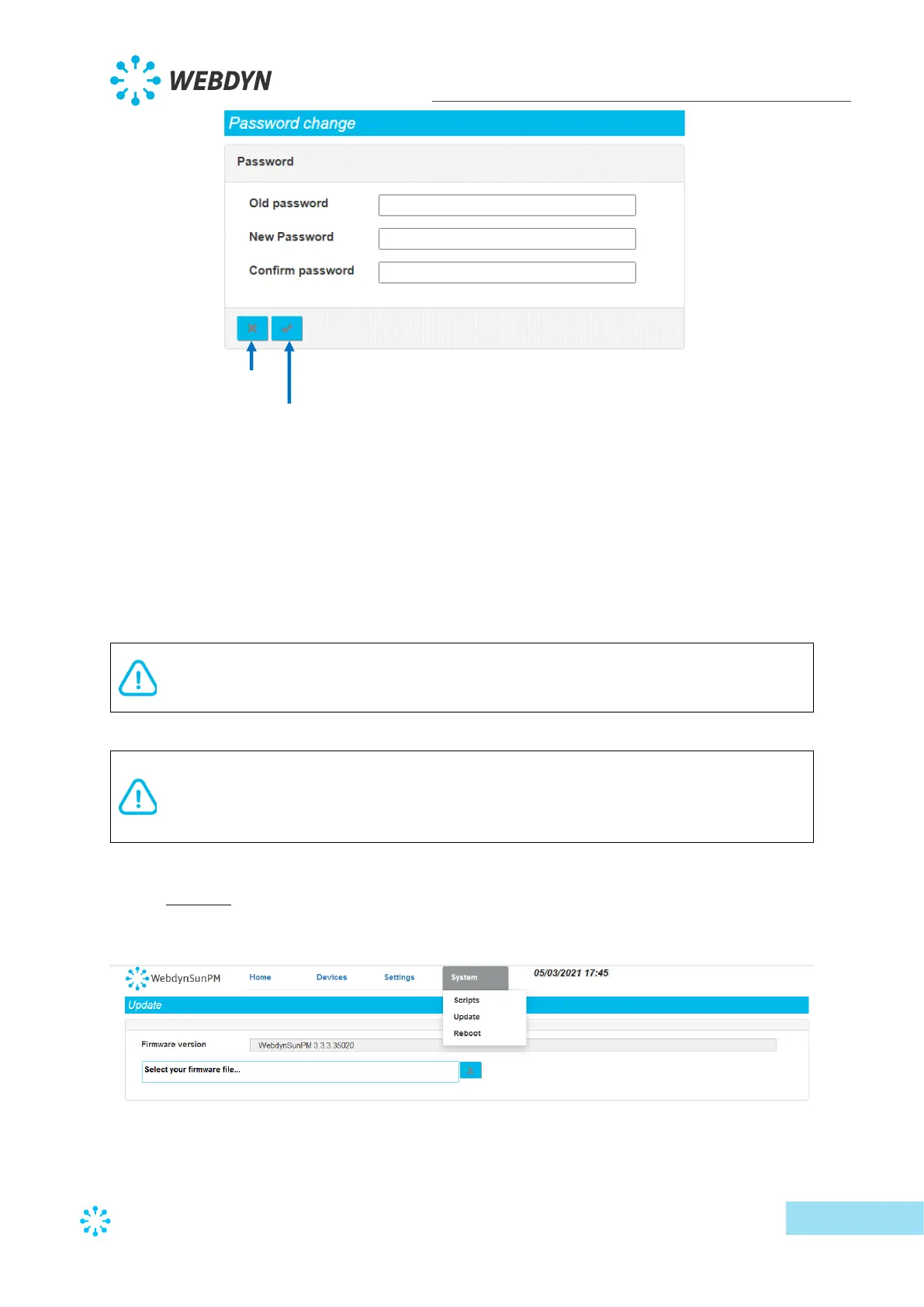
Follow the steps below to change the password:
1 Enter the current password in the “Old password” field,
2 Enter the new password in the “New password” field,
3 Enter the new password again in the “Confirm password” field
4 Validate by clicking “Apply”.
To secure access to the concentrator, we recommend changing the default
passwords following the first configuration. The password can also be changed using
the “WEB_Password” variable in the config file “<uid>_config.ini”.
If you lose the password and no servers are configured, you must completely
reinitialise the concentrator by applying the factory settings using a text message
command (see section 3.3.7: ““factory” reset command”) or using the “Factory
reset” button (see section 2.4.3.2: “Factory Reset button”)
3.2.3 System
All the system settings are grouped together on the “System” tab.
3.2.3.1 Scripts



 To Next Page