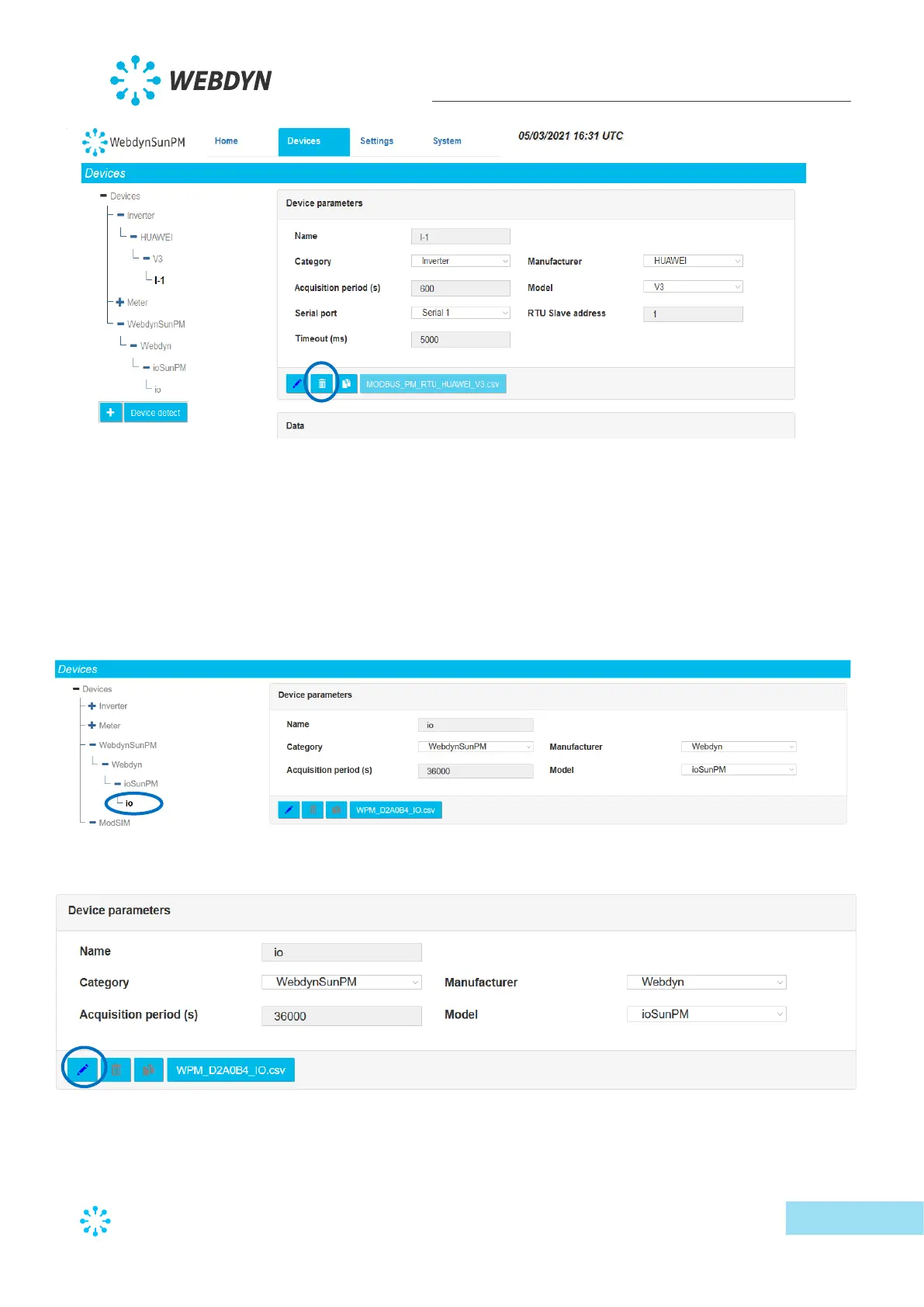
A dialogue box is displayed requesting confirmation.
After confirmation, the deleted device is removed from the concentrator databases.
The modification will be carried over to the configuration files at the next server connection.
3.2.1.2.3 Editing a device
To edit a device, first select the device to edit:
Then click the edit button:
As soon as the button is pressed, the device page changes. The device management button
bar switches to edit mode:



 To Next Page